Table of Contents
Written by Abhishek — 12 min read
This article was written and technically reviewed by Abhishek, Founder & Developer of MeetMind AI.
Published • Aug 5, 2026 | Last Updated • Aug 5, 2026
Note: The examples and workflows in this article are for educational purposes. Actual transcription accuracy depends on recording quality, background noise, speaker overlap, language, and the model used.
Converting MP3 audio files to accurate text transcripts has evolved rapidly. With the advancement of quantized transformer models and local-first pipelines, you can convert hours of meeting recordings, interviews, and lectures into structured text with high accuracy under good recording conditions.
Whether you need a custom local setup using open-source libraries or an automated web-based solution that generates structured summaries, this guide outlines the best approaches available in 2026.
Transcription Methods Compared
Depending on your privacy constraints, engineering resources, and workflow needs, you can choose between local machine learning inference, general-purpose cloud ASR (Automated Speech Recognition) APIs, or dedicated meeting summarizers.
| Evaluation Metric | Local Python Pipeline (Faster-Whisper) | Cloud APIs (OpenAI / Deepgram) | Automated Platforms (MeetMind AI) |
|---|---|---|---|
| Inference Latency | Hardware-dependent (highly variable) | Fast (usually low queue latency) | Depends on server capacity and implementation |
| Privacy | Runs entirely on your machine | Depends on provider data policies | See the MeetMind AI Privacy Policy for details |
| Speaker Diarization | Requires manual integration of clustering models | Available via API parameters | Speaker separation, where supported by the configured transcription provider |
| Pre-processing | Manual conversion/downsampling (e.g., via FFmpeg) | Basic format checking | Automatic compression and audio extraction |
| Out-of-box Output | Raw text transcript with timestamps | JSON data containing words and confidence | Structured summaries, action items, and text transcripts |
Which Method Should You Choose?
| If you want... | Choose... |
|---|---|
| Offline processing and zero operational costs | Local Faster Whisper pipeline |
| Integration into a custom backend or app | Cloud APIs (such as OpenAI Whisper or Deepgram) |
| Instant meeting notes, decisions, and summaries | MeetMind AI |
Method 1: Local Transcription with Faster-Whisper (Python)
For developers looking for offline, customizable, and cost-effective transcription, running a local model is the ideal choice. In 2026, the standard tool for local execution is Faster-Whisper, which optimizes the OpenAI Whisper architecture using CTranslate2 for fast Transformer inference.
Step 1: Install System Dependencies
Before running the Python script, ensure that FFmpeg is installed on your system. FFmpeg handles the extraction, decoding, and conversion of your MP3 files to the target format.
# On Ubuntu/Debian
sudo apt-get install ffmpeg

# On macOS
brew install ffmpeg

# Install python libraries
pip install faster-whisper
Step 2: Write the Python Transcription Script
This script loads the quantized model and transcribes an MP3 file. Note that performance varies depending on hardware, model size, and audio duration.
from faster_whisper import WhisperModel

# Initialize model using INT8 quantization for low VRAM usage
# Supported values for compute_type: int8, float16, int8_float16
model = WhisperModel("distil-large-v3", device="cuda", compute_type="int8")

# Transcribe audio file with VAD (Voice Activity Detection) filtering enabled
segments, info = model.transcribe(
    "meeting_recording.mp3",
    beam_size=5,
    vad_filter=True,
    vad_parameters=dict(min_speech_duration_ms=250)
)

print(f"Detected language: '{info.language}' with probability {info.language_probability:.2f}")

for segment in segments:
    print(f"[{segment.start:.2f}s -> {segment.end:.2f}s] {segment.text}")
Method 2: Automated Web-Based Platforms (MeetMind AI)
If you do not want to manage Python virtual environments, configure CUDA drivers, or write custom parsing logic, web-based tools provide a direct alternative.
With MeetMind AI, the transcription process is simplified into a workflow:
- Simple Upload: Drag and drop any MP3, WAV, or M4A file directly into the dashboard.
- Speaker Identification: The platform segments the audio and labels different speakers using configured transcription providers (where supported).
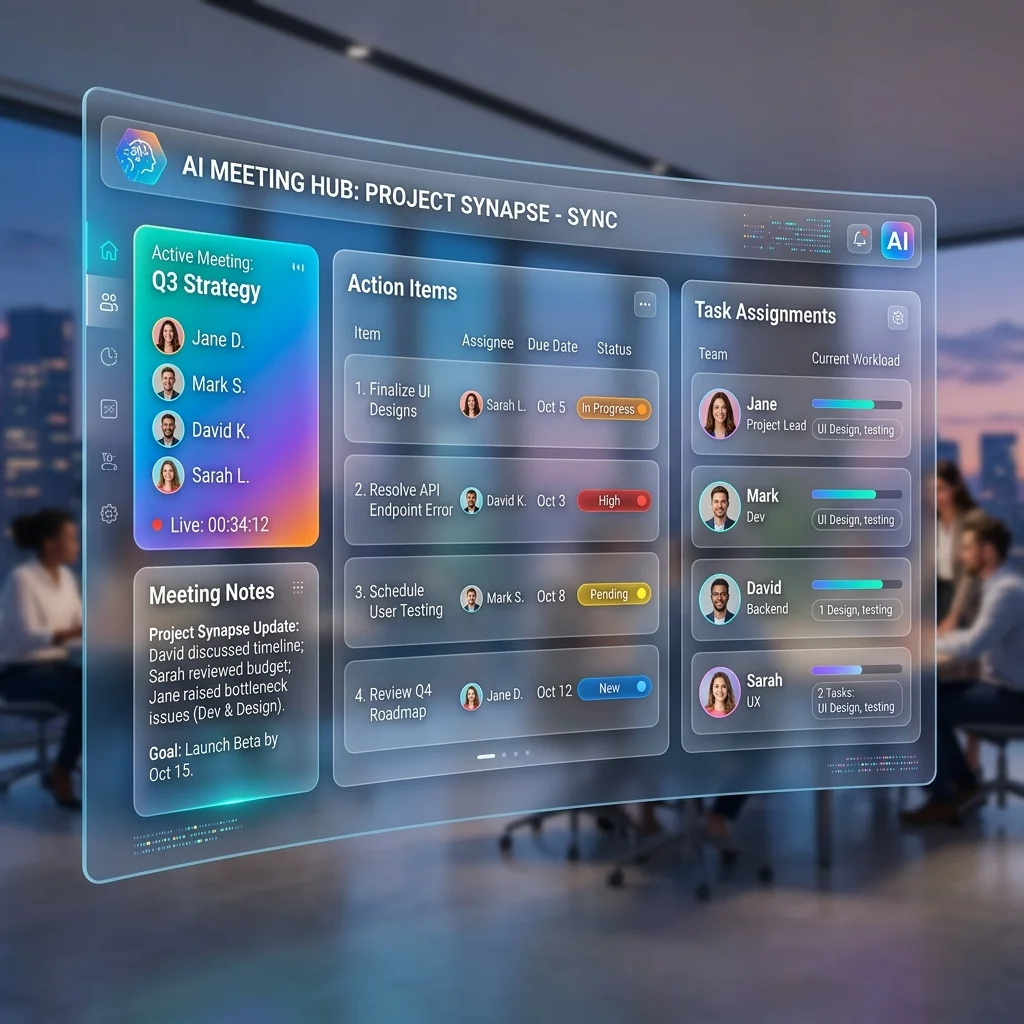
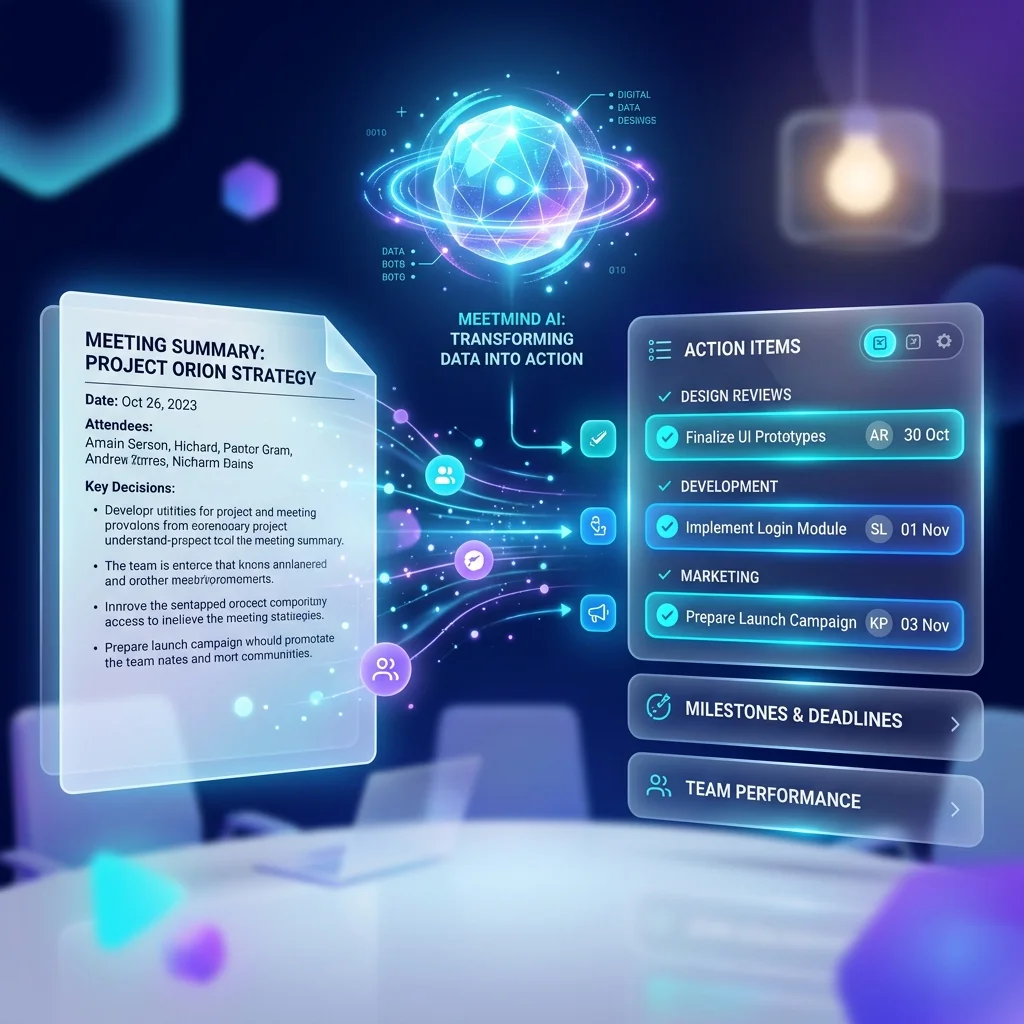
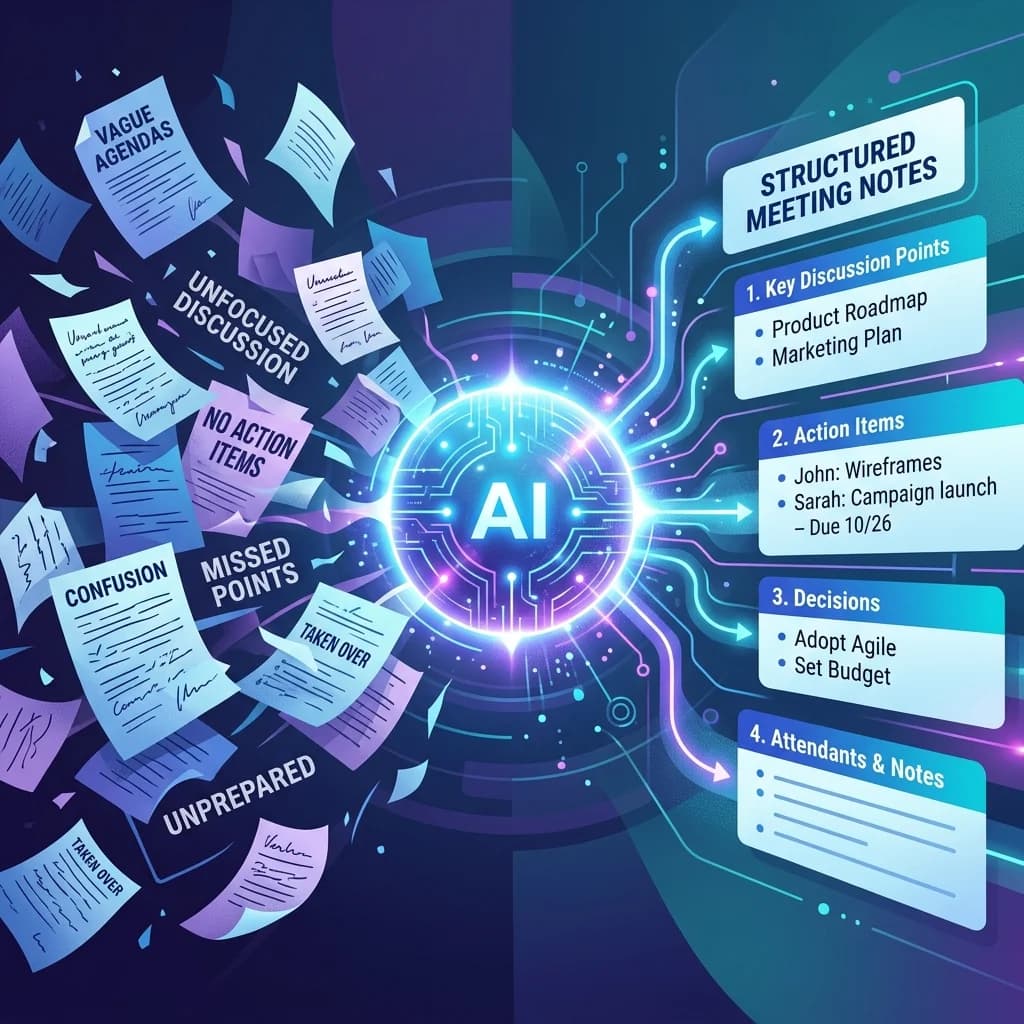
- Structured Summarization: The underlying language model can generate structured summaries, key points, and action items after transcription.
- Data Handling: MeetMind AI processes uploaded recordings according to its published privacy policy.
Using a dedicated tool is especially valuable if you are trying to turn transcripts into Meeting Action Items or need formatted Meeting Summaries to export to your workflow.
Common Problems & Troubleshooting
Even the best transcription algorithms can run into issues. Here is how to handle the most common errors when transcribing MP3s:
Poor Microphone Quality
- Problem: Low-quality hardware causes distorted waveforms, leading to high Word Error Rates (WER).
- Fix: Use hardware noise gates or software compressors before transcription. Pre-processing the audio to match standard 16kHz mono formats often improves accuracy.
Background Noise
- Problem: Ambient hums, office chatter, or air conditioning noise confuse the acoustic encoder.
- Fix: Enable Voice Activity Detection (VAD) to filter out quiet segments, or pre-process the file using digital signal processing (DSP) noise-cancellation tools.
Multiple Speakers
- Problem: Overlapping speech or voices with similar pitches blend together.
- Fix: Use speaker diarization clustering algorithms to isolate different audio channels, or use an API-driven transcription platform that specializes in multi-speaker environments.
Unsupported File Formats
- Problem: Certain variable bitrate (VBR) MP3 files may cause alignment errors.
- Fix: Transcode the file to a standard constant bitrate (CBR) format using FFmpeg:
ffmpeg -i input.mp3 -acodec pcm_s16le -ac 1 -ar 16000 output.wav
Frequently Asked Questions (FAQ)
Can Whisper transcribe MP3 files directly?
Yes. Whisper natively supports multiple audio containers, including MP3, WAV, M4A, and WebM. Internally, the audio is decoded and converted to a 16,000 Hz mono channel before it is fed into the neural network.
Is MP3 better than WAV for transcription?
WAV files contain uncompressed PCM audio, which preserves details but results in large file sizes. MP3 files use lossy compression, which is much smaller and faster to upload, with only a minor impact on transcription accuracy under typical recording conditions.
How accurate is AI transcription in 2026?
AI models can achieve high accuracy under good recording conditions (clear microphones, low background noise, minimal cross-talk). Accuracy drops when processing heavy accents, whispering, or high background noise.
Can I transcribe offline?
Yes, using local engines like Faster-Whisper or the original C++ port (whisper.cpp) allows you to process audio completely offline on your own machine.
Does MeetMind AI support MP3?
Yes, the platform accepts MP3, WAV, M4A, and MP4 formats, converting them to text and generating key summaries.
Conclusion
Whether you choose a local transcription pipeline or a web-based application depends on your workflow, privacy requirements, and technical expertise. Local tools provide maximum control, while integrated platforms simplify the process by combining transcription with summaries and action items. Evaluate the approach that best fits your needs and verify that it supports the file formats and workflow you use most often.
References
- OpenAI Whisper Documentation
- Faster-Whisper Repository
- CTranslate2 Inference Engine
- FFmpeg Multimedia Framework
Related Guides
To learn more about the engineering details behind speech recognition and processing:
- Learn the basics of How AI Transcription Works
- Read our deep-dive on Faster Whisper Explained
- Learn about the difference between speech synthesis and recognition in Voice AI Explained
Ready to eliminate manual meeting notes?
Secure your meeting data while generating accurate AI summaries in minutes.
- AI Meeting Notes & Summaries
- Automated Action Item Tracking
- Search Across Every Meeting