Table of Contents
Poorly managed meetings cost businesses countless hours every week. Whether you're working remotely, in a hybrid environment, or in the office, common meeting mistakes can reduce productivity, delay projects, and frustrate teams. In this guide, you'll learn the most frequent meeting mistakes and practical ways to avoid them—including how an AI note taker can automate note-taking, generate meeting summaries, track action items, and improve team collaboration.
1. Failing to Set an Agenda
One of the most frequent mistakes is walking into a meeting without a clear agenda. When participants don't know what will be discussed, virtual meetings often drift off-topic, wasting valuable time.
Why It Matters
Without an agenda, meetings lack structure. It becomes difficult to measure the success of productive meetings or to ensure that all necessary points have been covered. According to Harvard Business Review, an agenda is the foundation of meeting productivity.
How to Fix It
Always send out a detailed agenda at least 24 hours in advance. Clearly state the objectives and expected outcomes.
2. Not Capturing Action Items
Many meetings end with a vague sense of agreement but no concrete next steps. If action items aren't captured and assigned, the momentum from the meeting is lost.
The Cost of Missing Action Items
Projects stall, and follow-up meetings are required just to figure out what was supposed to happen after the first meeting.
AI to the Rescue
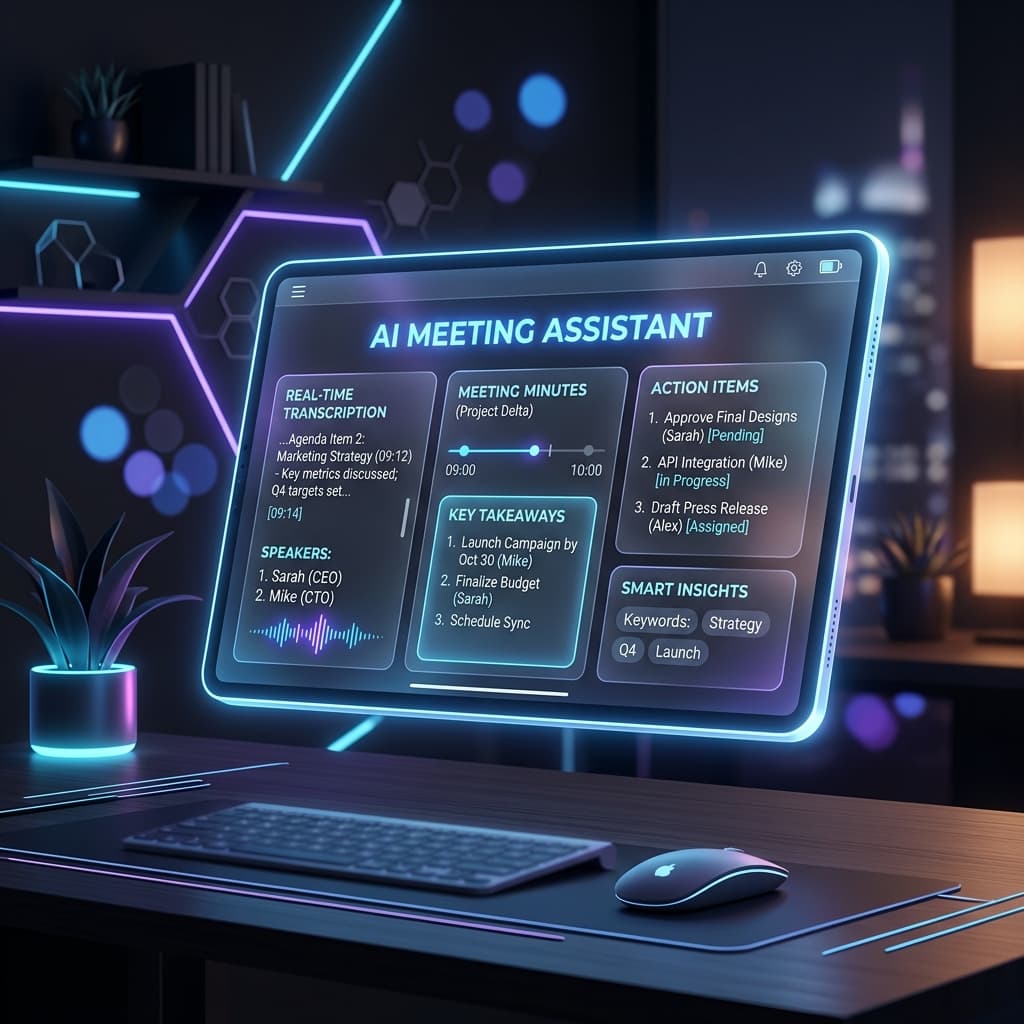
Using an AI meeting assistant can ensure that every decision and action item is automatically captured and assigned, leaving no room for ambiguity. See our guide on the Best AI Note-Taking Apps for more collaboration tools.
3. Ignoring Remote Participants
In hybrid environments, it's easy to focus on the people in the room and unintentionally sideline remote attendees.
Ensuring Inclusion
Make a conscious effort to engage remote participants. Ask for their input directly and ensure that the meeting technology provides a seamless experience for everyone, echoing insights from the Microsoft Work Trend Index.
4. Lack of a Clear Conclusion
A meeting should never just "end." It should conclude with a summary of what was discussed, a review of action items, and clear next steps.
Wrapping Up Effectively
Take the last five minutes of every meeting to review decisions and confirm who is responsible for what. You can even rely on AI meeting summaries and meeting transcription software. Learn How AI Transcription Works.
5. Inviting Too Many People
A common trap is inviting everyone who might be slightly interested in the topic, resulting in a bloated meeting where few people actually contribute.
The Problem with Large Meetings
More participants often mean less engagement. When meetings get too large, individuals tend to check out, assuming others will carry the conversation.
The Solution
Adopt the "two-pizza rule"—if you can't feed the entire group with two pizzas, the meeting is too large. Invite only essential decision-makers and key contributors. Share the AI meeting summary with the rest.
6. Starting Late
Waiting five or ten minutes for latecomers might seem polite, but it penalizes those who showed up on time and condenses the time available for actual work.
Respecting Time
A habit of starting late creates a culture where tardiness is expected and accepted, further damaging meeting productivity.
Start on the Dot
Begin meetings at the exact scheduled time, regardless of who is missing. An AI meeting assistant can record the first few minutes so latecomers can easily catch up later without disrupting the flow.
7. Multitasking During Meetings
With the rise of virtual meetings, participants frequently check emails, send Slack messages, or work on other tasks while ostensibly attending a meeting.
The Illusion of Productivity
Multitasking divides attention. Participants might miss key decisions, requiring information to be repeated and wasting everyone's time.
Fostering Engagement
Encourage a "cameras on" policy when appropriate, or actively involve participants by asking direct questions to ensure everyone remains engaged. Knowing that an AI note taker is capturing the details can actually free participants to focus entirely on the discussion rather than trying to type notes and listen simultaneously.
8. No Defined Decision Maker
Discussions can go in circles when it's unclear who actually has the authority to make the final call on a topic.
Avoiding Analysis Paralysis
Without a clear decision-maker, teams may defer choices to subsequent meetings, severely delaying project timelines.
Establish Roles
Clearly define the roles for the meeting in the agenda. Identify who is presenting, who is facilitating, and who is the ultimate decision-maker for each agenda item.
9. Talking More Than Listening
Meetings often get derailed when one or two individuals dominate the conversation, preventing others from sharing valuable insights.
Missing Out on Diverse Ideas
When the loudest voices take over, introverted team members or those with different perspectives may feel marginalized.
Creating Space
Facilitators should actively manage the conversation, politely interrupting monologues and specifically asking quieter team members for their input.
10. Never Following Up
The work doesn't stop when the meeting ends. Failing to follow up on the decisions made and the tasks assigned is a surefire way to ensure nothing gets done.
The Importance of Accountability
Without follow-up, accountability disappears. Team members may prioritize other tasks, assuming the meeting's action items were merely suggestions.
Automate the Follow-up
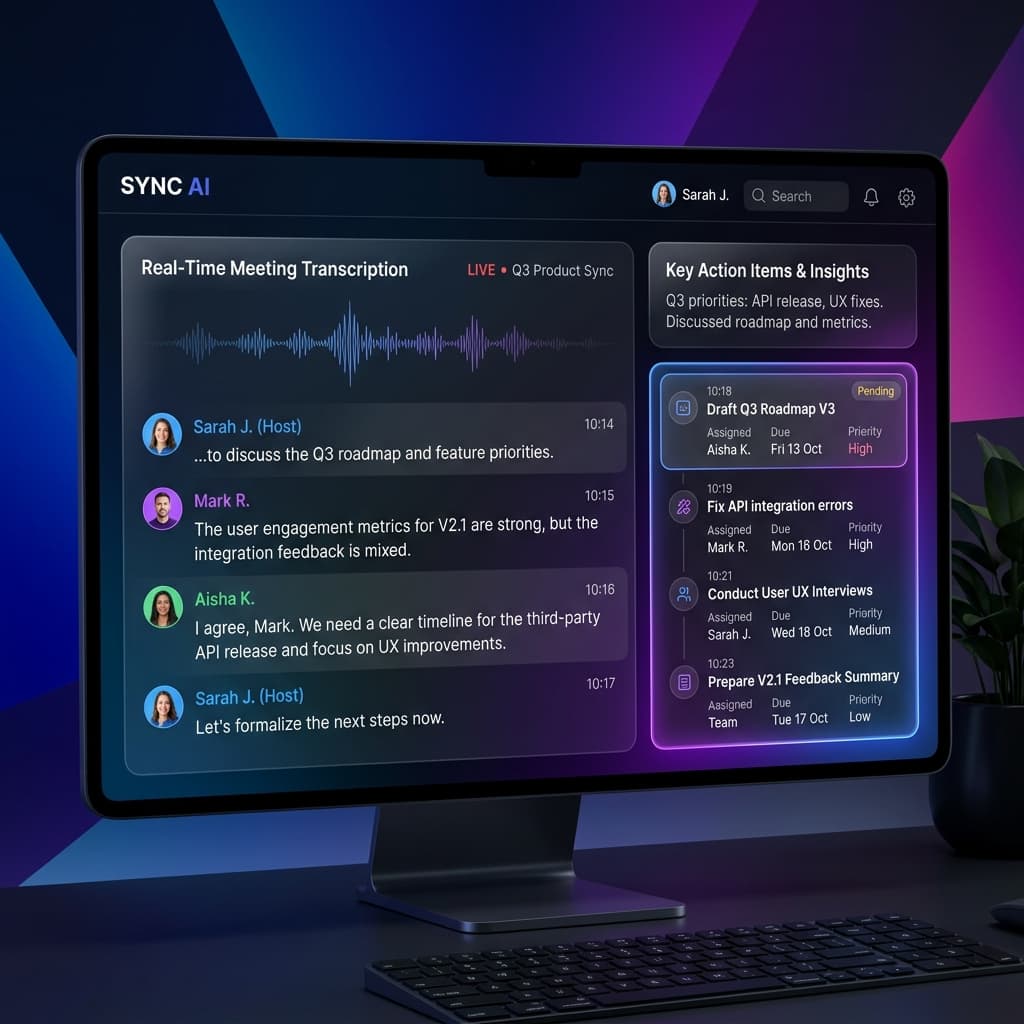
Use your AI meeting assistant to automatically generate and distribute meeting summaries and action items immediately after the call. Schedule a brief check-in to track progress on these items.
Frequently Asked Questions
What happens if a meeting goes off-topic?
It's the facilitator's job to gently guide the conversation back to the agenda. A "parking lot" can be used for important topics that aren't on the current agenda.
How can I make my meetings shorter?
Start by cutting the default meeting time in half (e.g., from 60 minutes to 30 minutes). For more strategies, check our AI Productivity Tips. You'll be surprised at how much more focused the conversation becomes.
Conclusion
By avoiding these 10 common mistakes, you can transform your meetings from a dreaded chore into a productive powerhouse. Preparation, structure, and the right tools make all the difference, as documented by Google Workspace productivity resources.
Ready to eliminate manual meeting notes?
- AI Meeting Notes & Summaries
- Automated Action Item Tracking
- Search Across Every Meeting