Table of Contents
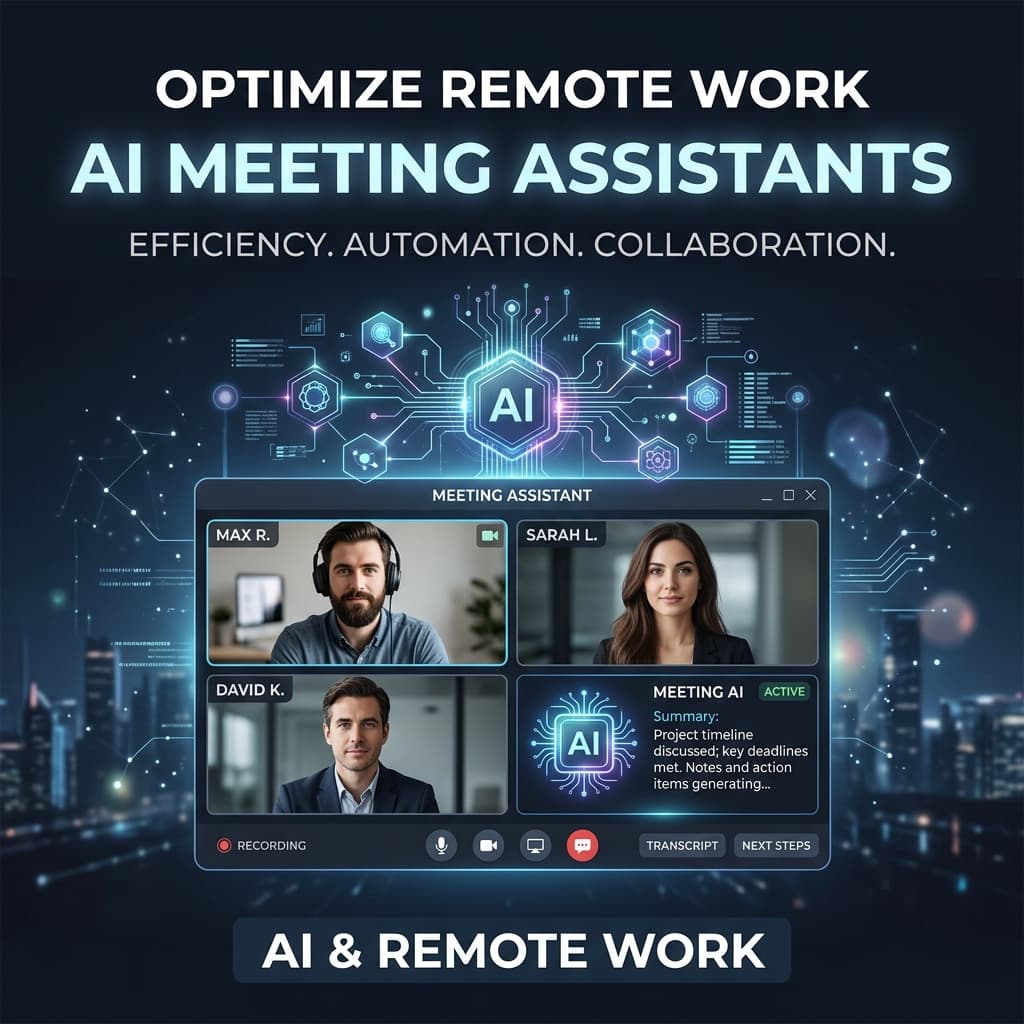
Every week, millions of professionals click "Record" on a meeting call. An AI meeting assistant silently joins — or waits for the uploaded file — and within seconds, a transcript appears. Summaries follow. Action items materialize. It feels effortless.
But beneath that convenience is a question most users never ask: where is that audio going, who can access it, and what happens to it afterward?
In August 2026, this question became harder to ignore. Google rolled out explicit-consent controls for Gemini's meeting notes and transcripts in Google Meet — a direct response to growing scrutiny around AI notetaker privacy. At the same time, coverage from outlets like WIRED highlighted disclosure concerns around tools that transcribe meetings without clear participant notification.
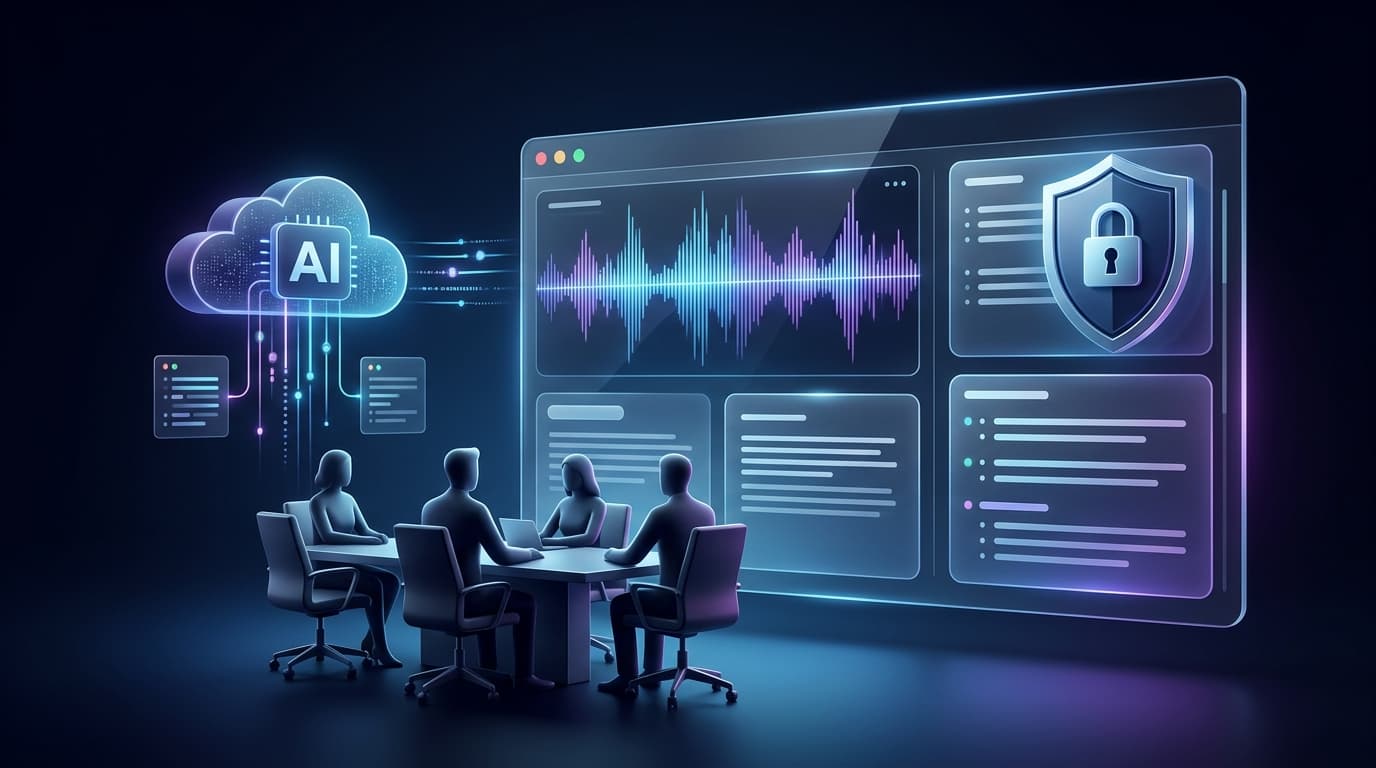
The message is clear: AI meeting assistants are useful, but they handle some of the most sensitive data your organization produces. This guide explains what you need to understand before recording your next meeting.
Key Takeaways
- AI meeting assistants process sensitive conversational data that may include confidential business information, personal details, and strategic decisions.
- Consent and disclosure requirements vary by jurisdiction, but transparency with participants is always a best practice.
- Cloud-based and local transcription involve different privacy trade-offs.
- Not all AI meeting tools handle your data the same way — asking the right questions before choosing a vendor matters more than feature lists.
- Privacy is not a single checkbox. It involves data handling, retention, model training policies, and encryption.
Why AI Meeting Privacy Matters
Meetings are where organizations make their most consequential decisions. Product roadmaps, financial projections, hiring plans, legal strategies, medical discussions — this is not casual data.
When you feed that audio into an AI assistant, you are trusting a third party with information that, if leaked or mishandled, could cause real damage. The risk is not hypothetical:
- Model training exposure: Some consumer-grade AI tools reserve the right to use your data to improve their models, which means fragments of your proprietary conversation could influence outputs seen by other users.
- Third-party breaches: If the AI provider's infrastructure is compromised, your meeting content becomes part of the breach.
- Regulatory liability: Organizations operating under HIPAA, SOC 2, or industry-specific regulations face compliance consequences if meeting data is processed or stored in ways that violate those frameworks.
- Employee trust: When participants discover they were recorded and analyzed by an AI without their knowledge, the trust damage can outlast any productivity gain.
The core tension is straightforward: the more data an AI meeting assistant ingests, the more useful it becomes — but also the more it knows about your organization.
What Happens When an AI Meeting Assistant Records a Meeting?
Most AI meeting assistants follow a similar pipeline, though the specifics vary significantly between vendors. Here is what typically happens:
- Audio capture: The tool either joins the live call as a bot participant or accepts an uploaded recording file after the meeting ends.
- Transmission: The audio is sent to a server — either the vendor's cloud infrastructure or, in some cases, a local processing engine on your device.
- Transcription: A speech-to-text model (often based on OpenAI's Whisper or a proprietary ASR engine) converts the audio into text. For a deeper technical explanation, see our guide on how AI transcription works.
- AI analysis: A large language model processes the transcript to extract summaries, actionable commitments, decisions, and key topics.
- Storage: The resulting transcript, summary, and extracted data are stored in the vendor's database. The original audio may or may not be retained.
Each of these steps involves a privacy decision — and the answer varies dramatically between providers.
Transcription vs Recording: What's the Difference?
These terms are often used interchangeably, but they carry different privacy implications.
| Recording | Transcription | |
|---|---|---|
| What it captures | Raw audio or video of the meeting | Text representation of spoken words |
| Sensitivity | Very high — captures tone, background noise, side conversations | High — captures content but not vocal nuance |
| Storage size | Large (tens to hundreds of MB) | Small (typically under 1 MB of text) |
| Re-identification risk | Voices are biometric identifiers | Text alone is harder to attribute without speaker labels |
| Retention risk | If stored, the complete conversation is recoverable | If stored, content is recoverable but without audio fidelity |
The distinction matters because some organizations may be comfortable with AI-generated text summaries but uncomfortable with raw audio being stored on a third-party server. Understanding what your AI meeting tool retains — audio, transcript, or both — is a foundational privacy question.
Do Meeting Participants Need to Know?
Yes. The legal and ethical answer is almost always yes.
The Legal Landscape
Recording consent laws vary by jurisdiction, but they generally fall into two categories:
- One-party consent: Only one participant (usually the person initiating the recording) needs to consent. This applies in many US states, England and Wales, and several other jurisdictions.
- All-party consent (two-party consent): Every participant must be informed and agree to the recording. This applies in US states like California, Illinois, and Florida, as well as under the EU's GDPR framework for personal data processing.
When an AI meeting assistant joins a call as a visible bot, the notification is somewhat built-in — participants can see the bot in the attendee list. But when a tool processes an uploaded recording after the fact, there is no automatic disclosure mechanism. The responsibility falls entirely on the person who uploaded the file.
Beyond Legal Compliance
Even in one-party-consent jurisdictions, disclosing AI transcription is a professional best practice. When colleagues or clients discover after the fact that an AI was analyzing their words, the erosion of trust often outweighs any legal defensibility.
A simple statement at the start of a meeting is sufficient:
"I'll be recording this meeting and using an AI assistant to generate notes and action items. The recording will be processed for transcription and then deleted. Is everyone comfortable with that?"
This takes ten seconds and eliminates ambiguity.
What Data Can an AI Meeting Assistant Collect?
The data footprint of an AI meeting assistant extends beyond the transcript itself. Depending on the tool, data collection can include:
- Raw audio or video files — the complete recording
- Full text transcripts — everything that was said
- Speaker identification data — who said what (when diarization is supported)
- AI-generated summaries and action items — interpreted versions of the conversation
- Metadata — meeting duration, participant count, timestamps, file size, detected language
- User account data — email addresses, usage patterns, billing information
- Chat interaction data — questions asked to a meeting chatbot about the transcript
Each of these data categories has different sensitivity levels and different implications for retention, access control, and breach exposure.
Cloud-Based vs Local AI Meeting Transcription
This is one of the most consequential architectural decisions an AI meeting tool can make, and it directly affects your privacy posture.
| Architectural Dimension | Local On-Device Transcription (e.g., Faster-Whisper, whisper.cpp) | Commercial Cloud API Transcription |
|---|---|---|
| Audio Traversal | Stays strictly on local host machine / private network | Transmitted over encrypted TLS 1.2+ to provider API |
| Hardware Requirement | High (Requires dedicated GPU / 6–10GB VRAM for large models) | Minimal (Standard browser, mobile device, or lightweight laptop) |
| Model Size Feasible | Often restricted to tiny or base models on typical laptops | Full Whisper Large v3 or multi-billion parameter architectures |
| Speaker Diarization | High local compute overhead; complex speaker clustering | Server-side neural diarization (e.g. Deepgram Nova-3) |
| Offline Capability | Fully offline / air-gapped capability | Requires active internet connectivity |
| Data Retention Risk | Zero remote retention risk | Depends on vendor terms (must enforce ephemeral deletion) |
Cloud-based transcription sends audio over secure TLS to remote servers where dedicated accelerators (like Groq LPUs or cloud GPUs) process it in seconds. The trade-off is that data traverses external infrastructure, requiring strict contractual zero-training agreements and rapid unlinking.
Local transcription keeps audio entirely on the physical machine. The trade-off is that high-fidelity models (like Whisper Large v3 with 1.5B parameters) require dedicated GPU hardware. Running lightweight quantized models locally reduces memory, but introduces significantly higher Word Error Rates (WER) on accents and cross-talk.
7 Questions to Ask Before Choosing an AI Meeting Assistant
Before trusting any AI meeting tool with your organization's conversations, get clear answers to these questions:
1. Is the original audio stored after processing?
Some tools delete audio immediately after transcription. Others retain it for days, weeks, or indefinitely. Know the difference.
2. Is my data used to train AI models?
Many consumer-tier AI services use customer data for model improvement. Enterprise-grade APIs typically offer contractual guarantees that your data is not used for training. Verify this in writing.
3. Where are the processing servers located?
Server location affects which data protection laws apply. If your organization operates under GDPR, processing meeting audio on servers outside the EU may create compliance issues.
4. Does the tool join my call as a bot, or does it process uploaded files?
Bot-based tools provide automatic disclosure (participants see the bot) but also create real-time data streaming to external servers. Upload-based tools give you more control over when and what gets processed, but the disclosure responsibility shifts to you.
5. What encryption standards are used?
Look for encryption in transit (TLS 1.2+) and encryption at rest (AES-256 or equivalent). Ask whether the provider can access decrypted content or whether you hold the encryption keys.
6. Who within the provider's organization can access my data?
Understand the vendor's internal access controls. Can support engineers view your transcripts? Is access logged and auditable?
7. What happens to my data if I cancel my account?
Confirm that all meeting data, transcripts, summaries, and any audio files are permanently deleted upon account cancellation — and ask how long that deletion process takes.
How to Use AI Meeting Assistants Responsibly
Privacy is not just a vendor problem. How you use the tool matters as much as how the tool is built.
- Disclose at the start of every meeting. Make it a habit, not an exception.
- Only record meetings that need to be recorded. Not every standup or casual check-in requires AI processing. Be selective.
- Review AI-generated summaries before sharing. AI can misinterpret context, attribute statements incorrectly, or surface information that participants expected to remain informal. Read before you distribute.
- Delete recordings you no longer need. If the transcript and summary are sufficient, remove the original audio file. Minimizing stored data minimizes exposure.
- Restrict access to meeting intelligence. Not everyone in the organization needs access to every meeting transcript. Apply the principle of least privilege.
- Understand your jurisdiction's consent requirements. If you operate across multiple states or countries, default to the strictest applicable standard.
AI Meeting Privacy Checklist
Use this checklist before adopting or continuing to use any AI meeting assistant:
- Consent: Do you have a standard disclosure statement for meetings?
- Recording policy: Does your organization have a written policy on meeting recording?
- Data retention: Do you know how long the AI provider retains your audio and transcripts?
- Model training: Have you confirmed whether your data is used to train AI models?
- Encryption: Are recordings encrypted in transit and at rest?
- Access control: Do you know who within the vendor's organization can access your data?
- Server location: Do you know where your meeting data is processed and stored?
- Deletion policy: Can you delete your data on demand, and is deletion verifiable?
- Incident response: Does the vendor have a documented breach notification process?
- Internal access: Have you restricted access to meeting transcripts within your own organization?
If you cannot check every box, you have identified your next action items.
How MeetMind AI Handles Meeting Data
We built MeetMind AI with a specific architectural philosophy: process what you need, delete what you don't, and never sit in on the call.
Here is how our pipeline works in practice:
- No bot joins your meeting. MeetMind AI does not inject a participant into your live call. You record using your native platform (Zoom, Google Meet, Teams) and upload the file afterward. This eliminates third-party bot presence and gives you full control over recording consent within your native video conferencing tool.
- Ephemeral Audio Lifecycle: Audio files are streamed to a temporary directory in 1MB chunks to prevent memory spikes. Immediately after the transcription API call finishes, our backend executes a cleanup routine that unlinks and permanently deletes the local audio file from the host server. We do not maintain long-term audio storage.
- Zero Model Training on Customer Data: We utilize commercial API endpoints (Groq Whisper Large v3 Turbo and Deepgram Nova-3 for speech-to-text; high-capacity language models for summarization). Under commercial developer terms, private audio payloads and transcripts are not used to train public foundation models.
- Database Isolation via Row-Level Security: Transcripts, summaries, action items, and decisions are stored in a managed PostgreSQL database with Row-Level Security (RLS) strictly enforced. Each user's data is only queryable by their authenticated user session.
- Permanent User Deletion: Users retain complete control. Deleting a meeting from the history dashboard executes a permanent hard delete of the transcript, summary, action items, and decisions from the active database.
What we do not claim: we do not execute on-device local transcription on the user's laptop. Processing runs on high-speed cloud infrastructure to ensure rapid transcription without exhausting client hardware.
Transparency about limitations matters more than marketing absolutes.
Frequently Asked Questions
Is it safe to use an AI meeting assistant?
It depends on how the tool handles your data. Key factors include whether audio is stored or deleted after processing, whether your data is used to train AI models, and whether transcription happens locally or in the cloud. Always review the vendor's data handling policy before uploading sensitive recordings.
Should participants be told about AI transcription?
Yes. In most jurisdictions, at least one party must consent to recording. Many regions require all-party consent. Beyond legal requirements, disclosing AI transcription is a professional best practice that builds trust and avoids uncomfortable surprises.
Are AI meeting transcripts private?
Not automatically. Privacy depends on how the AI provider stores, processes, and retains your transcript data. Some providers use transcripts to train models, while others process data ephemerally. Check whether the provider offers enterprise-grade data isolation and whether transcripts are encrypted at rest.
Is local transcription more private than cloud transcription?
Generally yes, because the audio never leaves your device or private network. However, local transcription requires sufficient hardware and may produce less accurate results depending on the model. Hybrid approaches — transcribing locally but using cloud AI for summarization — offer a middle ground.
What should businesses check before using an AI notetaker?
Review the vendor's data retention policy, whether audio is deleted after processing, whether data is used for model training, where servers are located, what encryption standards are used, and whether the tool provides audit logs. Also verify compliance with your industry's specific regulations.
Navigating the Privacy Landscape
While the legalities of meeting recording can seem complex, maintaining transparency and utilizing privacy-first tools simplifies compliance. Always prioritize tools that offer clear data retention policies and zero model-training guarantees.

Written by Abhishek
I created MeetMind AI to eliminate manual note-taking and ensure teams never lose critical decisions or action items after a call. All technical content is verified against our current codebase.
Read Founder ProfileReady to eliminate manual meeting notes?
Secure your meeting data while generating accurate AI summaries in minutes.
- AI Meeting Notes & Summaries
- Automated Action Item Tracking
- Search Across Every Meeting