Table of Contents
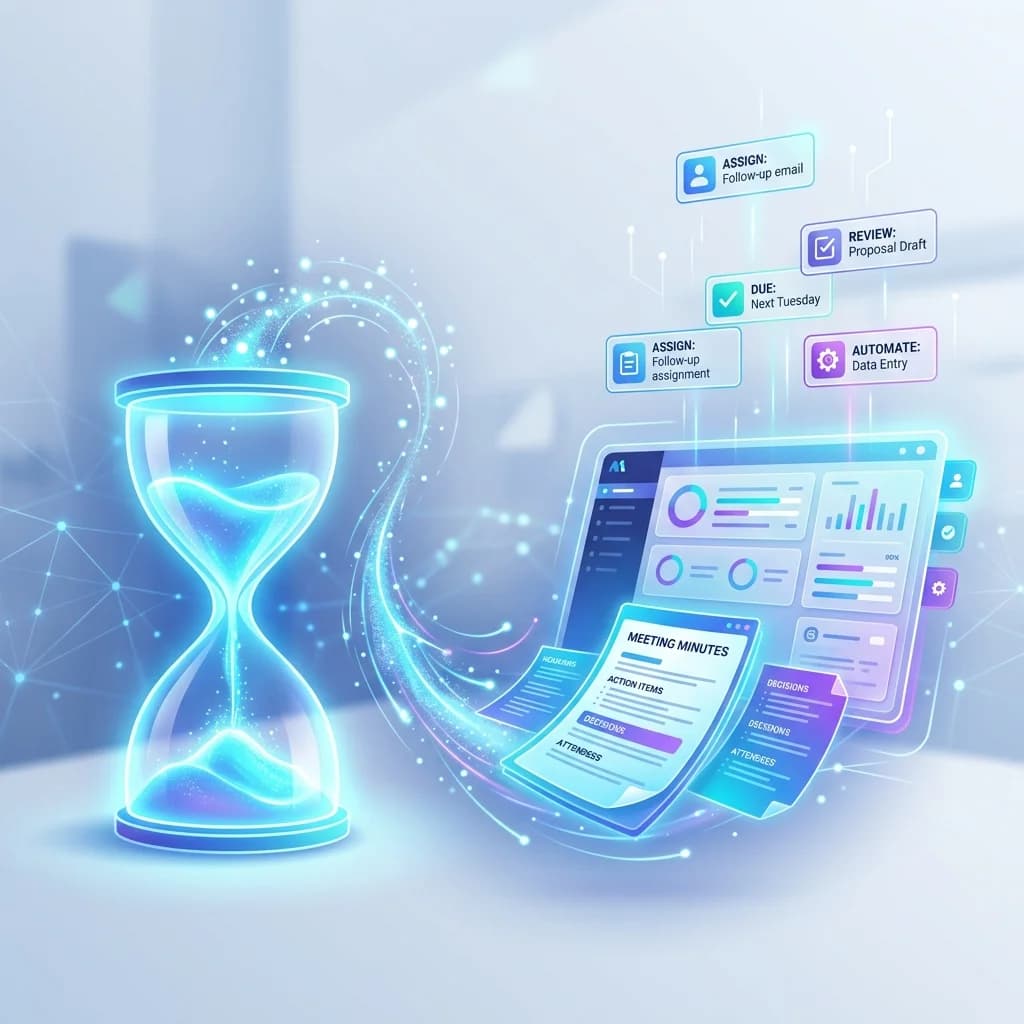
The hidden cost of any meeting is the administrative work required to support it. For a standard 60-minute sync, knowledge workers often spend an additional 30 minutes preparing the agenda, frantically taking notes, and manually drafting follow-up emails.
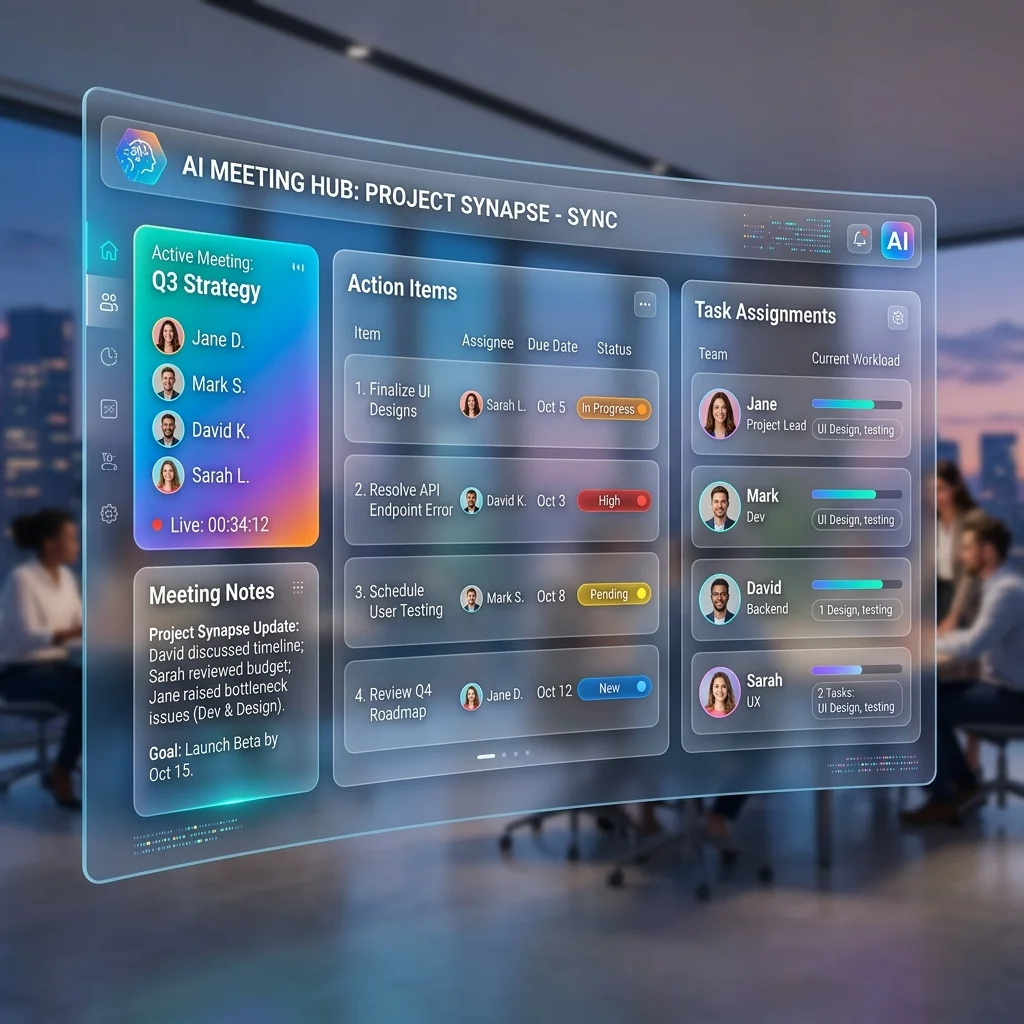
Artificial intelligence reduces this meeting-related workload by automating the most tedious aspects of communication. By offloading transcription, summarization, and task extraction to AI, teams can reclaim hours of administrative time each week. Here is exactly how AI streamlines the meeting lifecycle from start to finish.
Key Takeaways
- AI enables asynchronous meeting consumption.
- Automated extraction reduces manual data entry.
- Searchable transcripts eliminate the need to re-watch recordings.
- Clear action items prevent endless follow-up meetings.
Quantifying Reclaimed Hours: The Meeting ROI Model
To quantify the exact time savings an automated meeting assistant provides, teams can evaluate their administrative burden across four distinct phases (see ROI of AI meeting assistants):
Weekly Time Saved = (Manual Note Hours + Summary Drafting Hours + Status Catch-up Hours) - Automated Review Time
| Activity Phase | Manual Time Spent (Per Meeting) | Automated AI Pipeline Workflow | Primary Operational Impact |
|---|---|---|---|
| In-Meeting Note Capture | 15–20 minutes | Passive audio recording (no typing required) | Reclaims participant focus for live discussion |
| Post-Meeting Formatting | 20–30 minutes | 1–2 minutes (reviewing auto-generated summary) | Replaces manual text drafting with quick review |
| Absentee Catch-Up | 45–60 minutes | 3–5 minutes (reading structured summary) | Replaces watching full video recordings with async reading |
| Action-Item Ingestion | 10–15 minutes | 1 minute (ingesting pre-formatted JSON tasks) | Eliminates manual copy-pasting into project boards |
Before the Meeting: Establishing Context
The time saved by AI begins before the call even starts, primarily by reducing the need for recurring status-update meetings and avoiding common meeting mistakes.
- Asynchronous Context: Instead of scheduling a 30-minute sync just to brief a cross-functional team, project leads can share the AI-generated summary and transcript of a previous working session. Attendees arrive with full context, allowing the actual meeting to focus purely on strategic decisions rather than information sharing.
- Focused Agendas: By reviewing the pending action items automatically extracted from the previous week's AI notes, organizers can quickly draft a highly targeted agenda focused only on blocked tasks.
During the Meeting: Full Engagement
The most immediate benefit of an AI meeting assistant is the elimination of the human stenographer.
- Active Participation: When participants know the conversation is being recorded for automatic transcription, they no longer need to split their cognitive focus between listening and typing. They can fully engage in the debate, read body language, and contribute meaningfully.
- Preserving Nuance: Manual note-takers invariably filter information, often omitting technical details they deem unimportant in the moment. AI captures the complete, verbatim conversation, ensuring that critical, nuanced points are not lost.
After the Meeting: Automated Processing
The post-meeting follow-up is where AI provides the most significant time savings. In a modern workflow, a team records the meeting using their standard conferencing software and uploads the audio file to an asynchronous processing platform like MeetMind AI.
Instant Summarization
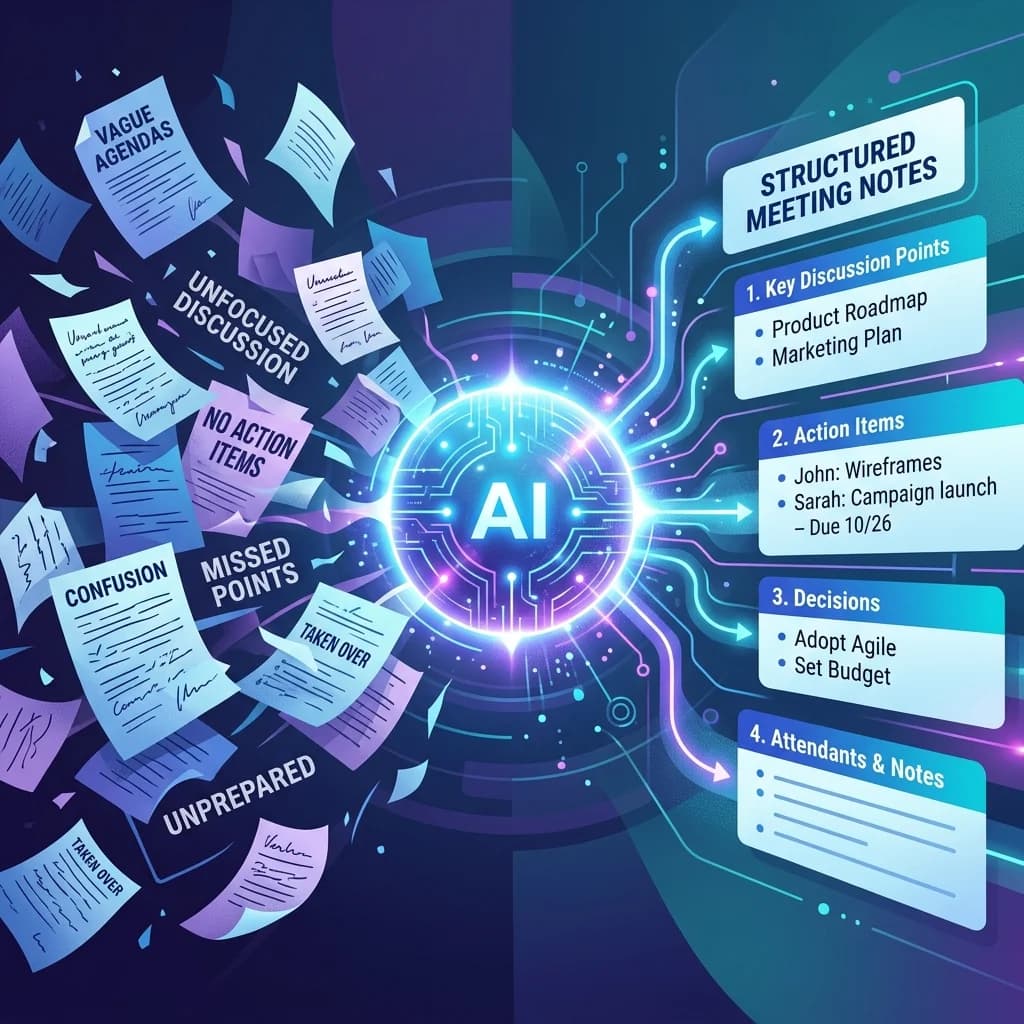
Rather than a project manager spending 20 minutes drafting an executive summary from scattered notes, the AI processes the transcript and generates a structured summary in seconds. This allows stakeholders who missed the call to catch up in two minutes instead of watching a 60-minute video recording.
Action Item Extraction
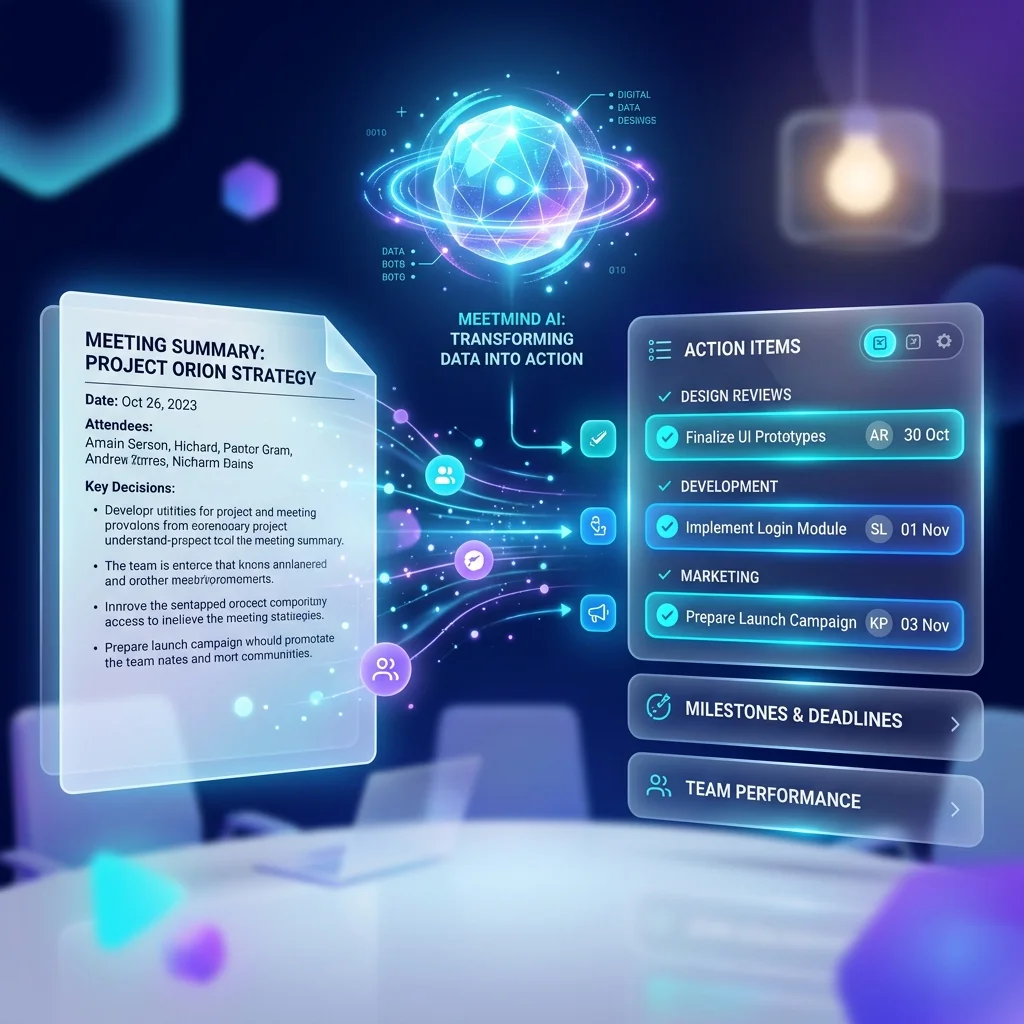
Perhaps the most tedious part of any meeting is parsing who committed to what. The AI scans the transcript for declarative statements and extracts concrete tasks, formatting them clearly.
- Practical Scenario: Instead of manually reviewing notes to remember who is handling the database migration, the project manager simply copies the AI-extracted action items and pastes them directly into their Jira backlog.
Searchable Knowledge Base
When meetings are transcribed and archived, they become a searchable database of institutional knowledge.
- Practical Scenario: If a new engineer joins the team and needs to understand why a specific software architecture was chosen three months ago, they can simply search the meeting archive for the relevant keyword. This eliminates the need to schedule an "onboarding sync" or interrupt senior engineers for historical context.
4-Week Team Implementation Roadmap
Implementing automated meeting documentation across a distributed team works best in phased iterations:
- Week 1 (Audit & Baseline): Track hours spent taking notes and drafting follow-up emails across 5 recurring team syncs.
- Week 2 (Native Recording Adopt): Enable local audio/video recording across conferencing calls; establish consent guidelines.
- Week 3 (Async Synthesis Ingestion): Upload recordings to asynchronous transcription pipelines to generate automated summaries.
- Week 4 (Task System Alignment): Connect extracted task schemas into team boards (Jira, Linear, Notion), eliminating manual copy-pasting.
Privacy and Security Considerations
When adopting AI meeting tools, security must be a top priority. Meetings routinely contain sensitive strategic discussions, unreleased financial projections, or confidential client data.
- Secure API Processing: Choose platforms that utilize enterprise APIs with strict policies against model training. This ensures your transcript data is securely processed without being used to train public language models, even if your audio is temporarily stored for transcription.
- Asynchronous Processing vs. Live Bots: For highly sensitive meetings, many teams prefer asynchronous tools (where you manually upload the recording) over live bots that automatically join calls, as this provides deliberate control over exactly what gets processed.
Frequently Asked Questions (FAQ)
Are AI meeting assistants accurate?
Modern AI transcription tools leverage advanced neural networks (such as Whisper) and deliver high accuracy rates, though they are heavily dependent on audio quality. Clear audio yields excellent results; muffled laptop microphones in echoey rooms will degrade accuracy.
Can AI summarize Zoom and Google Meet calls?
Yes. Most teams simply record their meetings natively in Zoom, Google Meet, or Microsoft Teams, and then upload the resulting audio or video file to their AI assistant for processing.
Which AI meeting tool is best?
The "best" tool depends on your specific workflow. If you prioritize strict privacy, high-fidelity extraction, and prefer not to have visible bots joining your calls, asynchronous tools like MeetMind AI are an excellent choice. If you require deep CRM integrations for sales calls, platforms tailored to live-call tracking may be preferred.
The Bottom Line
By automating the administrative tasks associated with meetings, AI empowers teams to focus on what matters most: high-value collaboration and executing on decisions. If you're still taking manual notes, you're leaving hours of productivity on the table every single week.

Written by Abhishek
I created MeetMind AI to eliminate manual note-taking and ensure teams never lose critical decisions or action items after a call. All technical content is verified against our current codebase.
Read Founder ProfileReady to eliminate manual meeting notes?
Secure your meeting data while generating accurate AI summaries in minutes.
- AI Meeting Notes & Summaries
- Automated Action Item Tracking
- Search Across Every Meeting