Table of Contents
Most professionals adopt AI expecting an immediate productivity boost, only to find themselves spending more time prompting tools than doing actual work. True productivity comes from integrating AI into specific, repeatable workflows where it handles cognitive administrative overhead.
In this guide, we break down concrete AI productivity workflows, complete with implementation steps, copy-paste prompt templates, and realistic limitations. For software recommendations, reference our guide to AI tools for professionals.
The Personal Productivity Audit Framework
Before introducing new AI tools, conduct a simple weekly time audit to identify high-friction administrative tasks:
| Administrative Sink | Weekly Time Burden | AI Workflow Target | Primary Workflow Impact |
|---|---|---|---|
| Manual Meeting Notes | 3–5 hours | Asynchronous audio upload & AI synthesis | Replaces active typing with automated summary review |
| Drafting Status Memos | 2–4 hours | Structured prompt drafting from raw bullets | Accelerates initial text drafting and structure |
| Document Search | 2–3 hours | High-context closed-loop query processing | Enables direct factual retrieval from source documents |
1. Asynchronous Meeting Extraction
The most common productivity trap is attending a sync call solely to take notes. When taking notes manually, active participation drops.
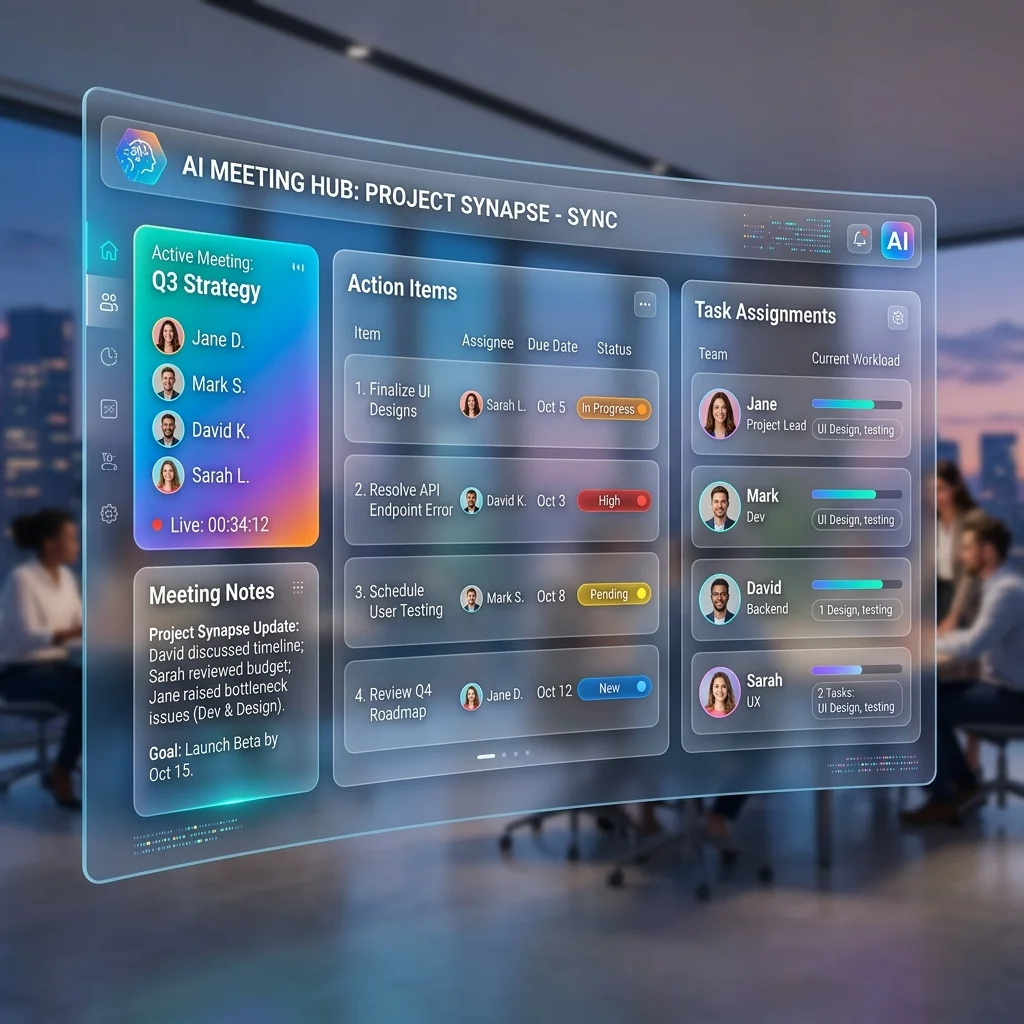
The Workflow: Instead of capturing notes manually, use an asynchronous AI meeting assistant like MeetMind AI. Record your call natively (via Zoom or Teams) and upload the audio file after the meeting concludes.
Practical Workflow Transition:
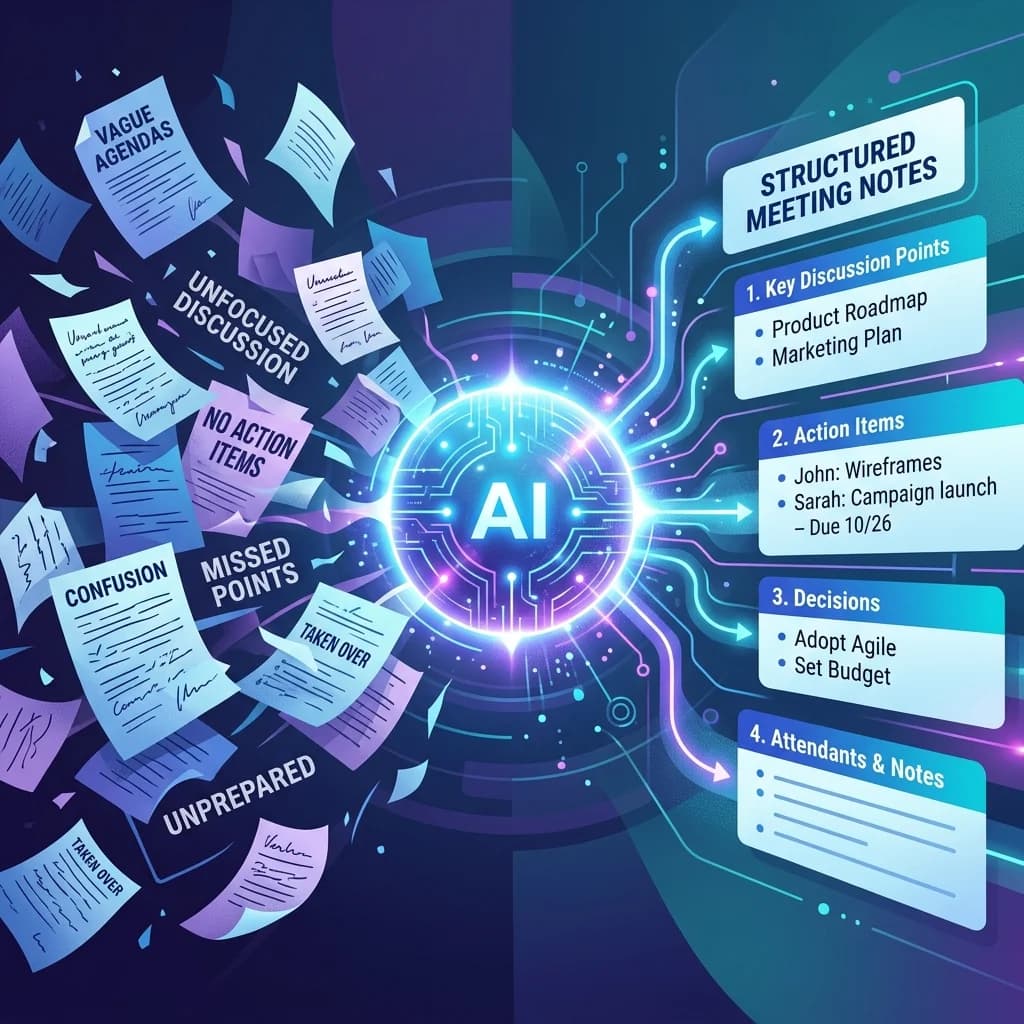
- Before: Spending 15 minutes during the meeting typing notes, and another 20 minutes afterward formatting them for email distribution.
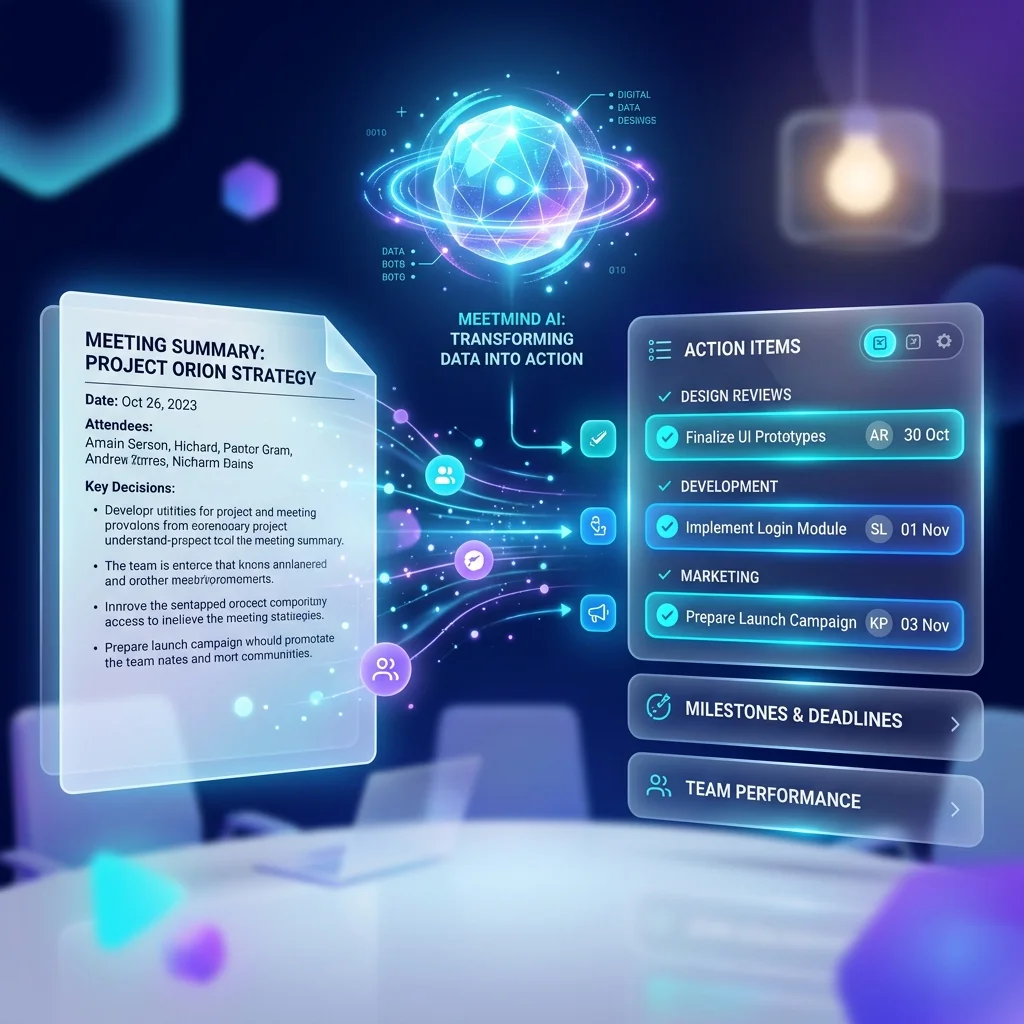
- After: Uploading the recording to an automated backend pipeline, which processes the transcript into structured JSON meeting action items and decisions for immediate project board ingestion.
Implementation Steps:
- Record your next internal sync locally.
- Upload the audio file to your processing pipeline.
- Review the extracted action items and decisions for accuracy.
- Paste the structured output into your project management software.
2. Copy-Paste Prompt Template for Document & Email Drafting
Staring at a blank document consumes significant mental energy. Editing a rough AI draft requires far less cognitive effort.
Copy-Paste Executive Update Prompt
Role: Executive Communications Assistant
Task: Turn the raw meeting points below into a structured email update for key stakeholders.

Constraint Rules:
- Tone: Direct, professional, concise (max 250 words).
- Do not add fluff or unmentioned facts.
- Use 3 sections:
  1. Key Milestones Completed
  2. Immediate Action Items (with Owner & Deadline)
  3. Current Blockers / Risks

Raw Notes / Bullets:
[Paste raw text or transcript excerpts here]
Implementation Steps:
- Jot down the core facts or requirements in a rough bulleted list.
- Provide the list to your chosen LLM using the structured prompt above.
- Critically review and edit the output. Never send AI-generated text without human review.
3. Summarizing Long-Form Technical Documentation
Knowledge workers are constantly bombarded with lengthy PDFs, industry reports, and extensive Slack threads. Reading them cover-to-cover is inefficient when you only need specific data points.
The Workflow: Use AI to extract signal from noise. Upload the document (ensuring it contains no proprietary data if using a public model) and ask targeted questions.
Implementation Steps:
- Feed the document to an LLM with a large context window.
- Instead of asking for a general summary, ask specific questions: "What are the three primary system requirements mentioned in Section 4?" or "List all milestone dates specified in this contract."
- Verify the AI's extraction against the original source text.
Operational Boundaries: Where AI Should NOT Be Used
AI is an assistant, not a replacement for human judgment and data governance.
- Handling Sensitive PII: Never input Personally Identifiable Information (PII), unreleased financial statements, or raw passwords into public, free-tier consumer LLM interfaces. Always use secure API endpoints with documented non-retention policies.
- Final Strategic Decisions: AI can surface alternatives, but humans must make the final call on architecture, budgets, or team hiring.
- Sensitive Personnel Feedback: Performance reviews and 1-on-1 feedback require empathy and nuanced human context that automated models cannot evaluate.
Frequently Asked Questions
Will AI replace professional roles?
AI replaces administrative sub-tasks, not entire roles. Professionals who thrive learn to delegate repetitive documentation tasks to AI, freeing bandwidth for strategic execution.
Are AI meeting assistants secure?
It depends on the provider's infrastructure. Always verify whether the provider uses secure API endpoints and row-level database security to protect transcripts from public exposure.
Working Smarter with AI
Integrating AI into your daily routine is about eliminating friction. Start by automating repetitive tasks like meeting summaries and email drafting, and gradually expand your toolset as you discover which workflows benefit most from intelligent automation.

Written by Abhishek
I created MeetMind AI to eliminate manual note-taking and ensure teams never lose critical decisions or action items after a call. All technical content is verified against our current codebase.
Read Founder ProfileReady to eliminate manual meeting notes?
Secure your meeting data while generating accurate AI summaries in minutes.
- AI Meeting Notes & Summaries
- Automated Action Item Tracking
- Search Across Every Meeting