Table of Contents
Remote work has transformed how organizations operate, but it has also introduced new challenges. One of the biggest hurdles distributed teams face is running effective, engaging, and productive remote meetings.
Without the natural flow of in-person communication, remote meetings can easily fall victim to technical glitches, overlapping conversations, and the dreaded "Zoom fatigue." However, with the right strategies, remote meetings can actually be more structured and efficient than traditional office syncs.
In this guide, we'll explore actionable best practices for hosting remote team meetings that respect your team's time and drive real results.
1. Default to Asynchronous Communication
The best remote meeting is often the one that doesn't happen. Before scheduling a video call, ask yourself if the objective could be achieved asynchronously.
Status updates, simple announcements, and daily stand-ups can often be handled via Slack, Microsoft Teams, or a shared document. Reserve synchronous meetings for complex problem-solving, brainstorming, sensitive feedback, and team building where real-time interaction is truly valuable.
2. Always Share a Clear Agenda
A remote meeting without an agenda is a recipe for wasted time. Since remote workers often manage tight schedules across different time zones, clarity is essential.
Create a collaborative agenda document at least 24 hours before the meeting. A good agenda should include:
- The meeting's primary goal
- A list of topics to be discussed
- Time allocations for each topic
- Any required pre-reading materials
If a topic arises that isn't on the agenda, place it in a "parking lot" section to be addressed later or asynchronously.
3. Establish Ground Rules for Engagement
Remote meetings lack the visual cues of physical rooms, which can lead to people talking over one another or remaining completely silent. Establish clear ground rules to foster engagement:
- Use the "Raise Hand" feature: Encourage participants to use platform features to signal when they want to speak.
- Camera policy: While video builds connection, mandate camera-on policies only when necessary to reduce fatigue.
- Mute when not speaking: Background noise (dogs, sirens, typing) is distracting. Normalize muting microphones when listening.
4. Leverage AI for Notes and Action Items
Taking manual notes during a remote meeting splits your attention. If you're focused on typing, you aren't fully present in the conversation.
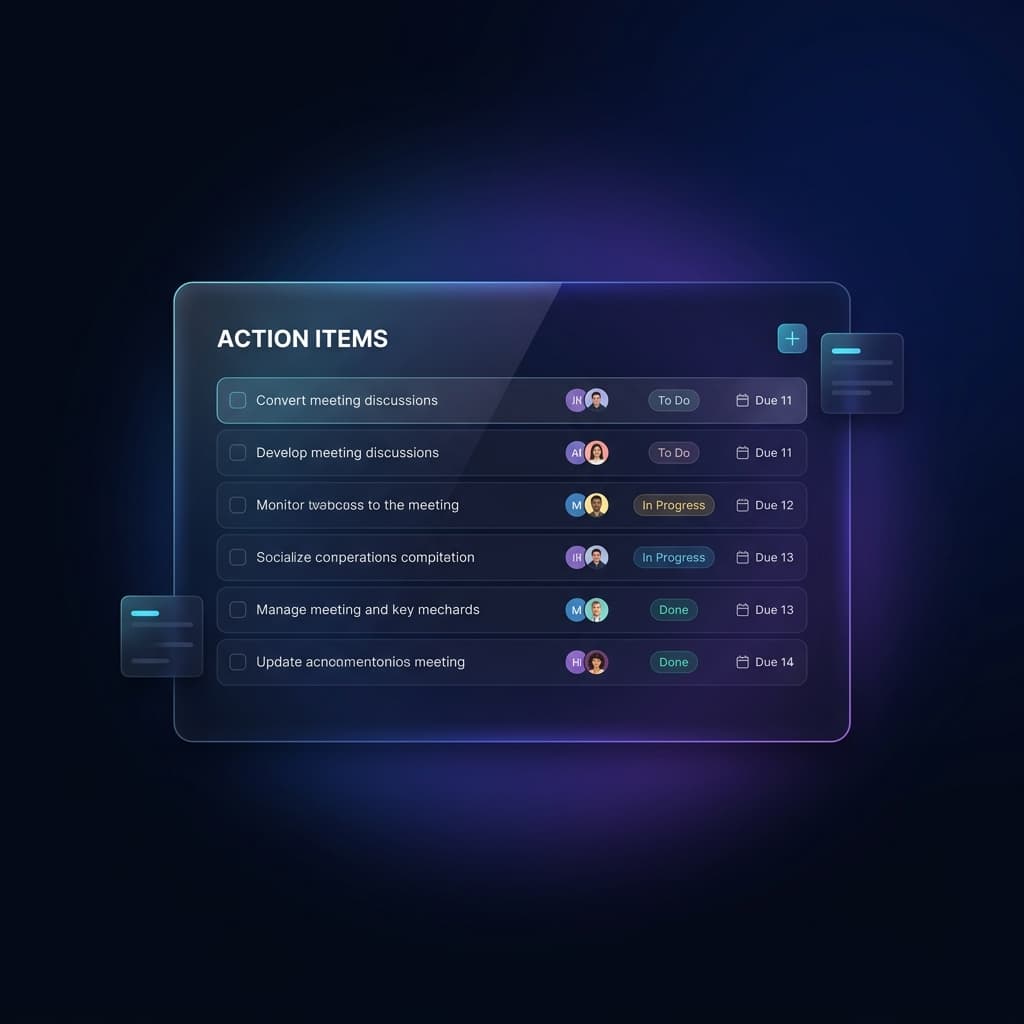
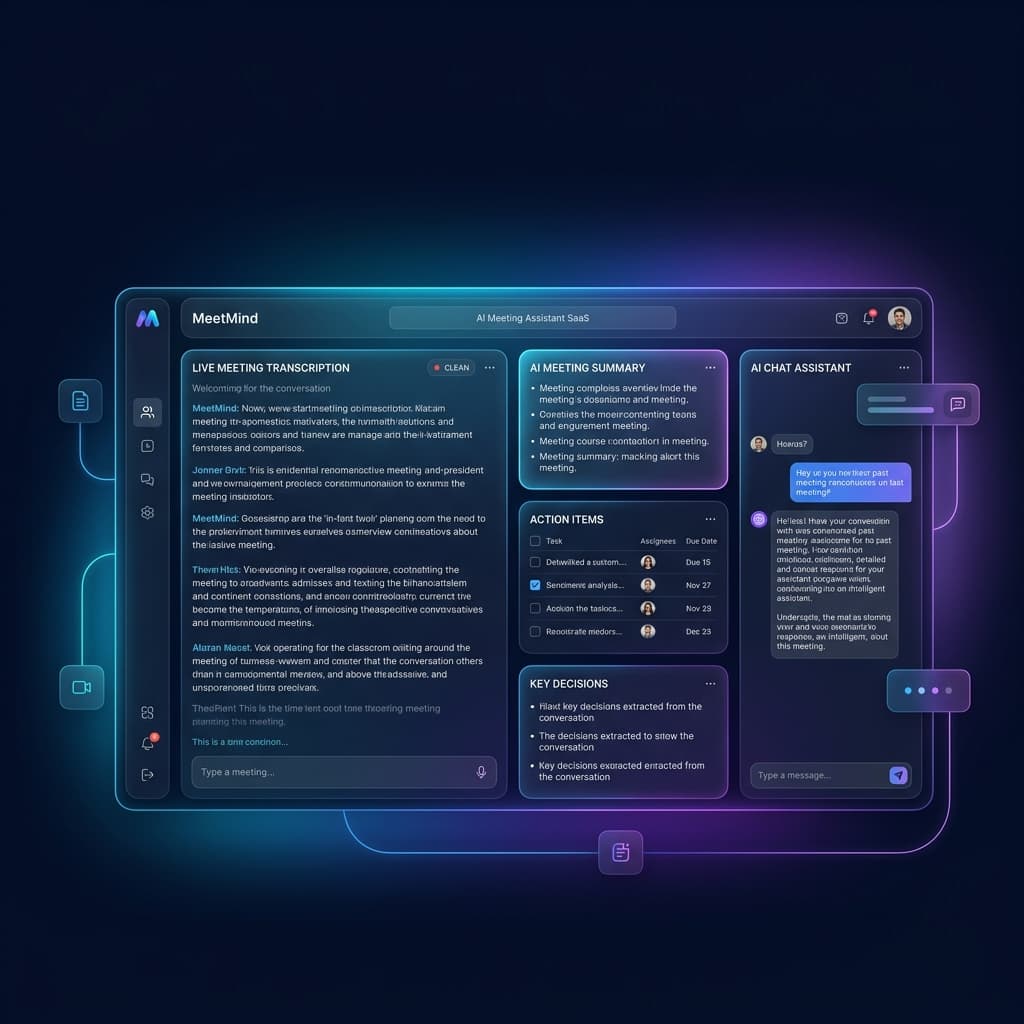
Using an AI meeting assistant like MeetMind AI allows you to record the conversation (via tools like Zoom or Google Meet) and automatically generate accurate transcripts, summaries, and action items. This ensures that every decision is captured without anyone having to play the role of the scribe.
You can learn more about how this works in our guide on how AI meeting summaries work.
5. Be Mindful of Time Zones
When your team spans across continents, scheduling becomes a puzzle. Avoid repeatedly forcing the same team members to join meetings outside their standard working hours.
- Rotate meeting times: If you have teams in Asia and North America, alternate the meeting time each week so the burden of early mornings or late nights is shared.
- Record the meeting: For those who absolutely cannot attend, ensure the meeting is recorded and summarized so they can catch up asynchronously.
6. Build in Time for Social Connection
In an office, teams build rapport by chatting before and after meetings. In a remote setting, meetings often start and end abruptly, leaving little room for relationship building.
Dedicate the first 5 minutes of your meeting to a quick social check-in. Ask an icebreaker question or simply allow people to chat casually before diving into the agenda. This small investment in culture pays massive dividends in team cohesion and trust.
Frequently Asked Questions
How long should a remote meeting be?
Ideally, remote meetings should be kept to 30 or 45 minutes to prevent screen fatigue. If a meeting must be longer than an hour, schedule a mandatory 5-minute break.
Should we enforce a "camera on" rule?
While video helps with non-verbal communication, strict camera-on policies can cause fatigue. Encourage cameras for 1-on-1s and important discussions, but allow flexibility for routine syncs.
What is the best way to handle technical issues?
Always have a backup plan. If the video conferencing tool crashes, have a designated text channel (like a Slack thread) where the team can quickly regroup and decide on an alternative platform or switch to an asynchronous format.
Conclusion
Mastering remote team meetings requires intentionality. By defaulting to asynchronous communication, preparing strong agendas, and leveraging AI tools to handle the busywork of note-taking, you can transform your remote meetings from exhausting obligations into powerful engines of productivity.
Ready to eliminate manual meeting notes?
Secure your meeting data while generating accurate AI summaries in minutes.
- AI Meeting Notes & Summaries
- Automated Action Item Tracking
- Search Across Every Meeting