Table of Contents
Written by MeetMind Editorial Team — 6 min read MeetMind AI publishes practical guides on AI meeting assistants, transcription technology, workplace productivity, and business communication.
Published • Aug 2, 2026 | Last Updated • Aug 2, 2026 | Reviewed • Aug 2, 2026
Most meeting summaries are never read. They're generated, shared once, and forgotten. The result? Decisions get lost, action items slip through the cracks, and teams waste time revisiting conversations they already had. AI summaries solve part of this problem—but only if your team has a process for using them effectively.
According to Microsoft's Work Trend Index, employees spend a significant portion of their workweek in meetings, making efficient documentation increasingly important. Furthermore, research by Atlassian shows that knowledge workers spend significant time searching for information instead of doing productive work.
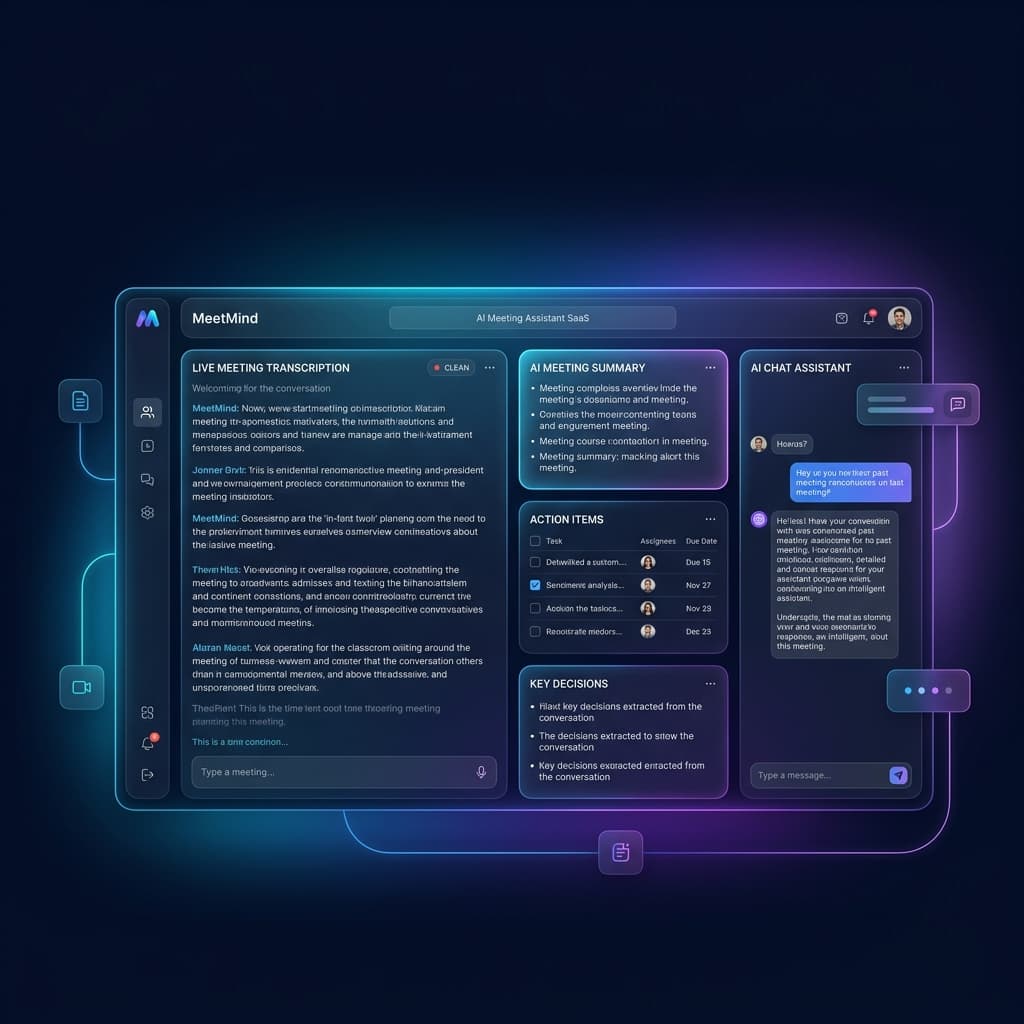
When you leverage an AI meeting assistant like MeetMind AI, you automate the heavy lifting, but the way you review and distribute those notes dictates your true meeting productivity gains.
In this comprehensive guide, we'll walk you through the best practices for AI meeting summaries to ensure no critical information falls through the cracks.
Key Takeaways
- Reviewing AI meeting notes adds the necessary human context and catches nuances.
- Prompt distribution of summaries maintains momentum after a meeting.
- Integrating action items into project management tools ensures accountability.
- Establishing clear team guidelines creates a unified process for documentation.
Contents
- Review and Refine the AI Output
- Distribute Summaries Promptly
- Who Benefits Most from AI Meeting Summaries?
- The Ideal AI Meeting Workflow
- Comparing the Impact
- Frequently Asked Questions (FAQ)
- Improve Every Meeting
1. Review and Refine the AI Output
While modern AI models are highly accurate, they are not infallible. Context is the one area where human intuition still reigns supreme.
Add the Human Touch
Always take a few minutes to review the AI’s summary before distributing it. The AI might perfectly transcribe a technical discussion, but a human project manager understands the subtle priorities behind those words. Adding a brief introductory sentence or highlighting a specific bullet point ensures the nuances of the conversation are properly framed for stakeholders who weren't in the room.
💡 Pro Tip Review AI summaries within 15 minutes while the discussion is still fresh.
Correct Technical Jargon
If your team uses highly specific acronyms or internal code names, an AI might occasionally misinterpret them. A quick skim allows you to correct these minor errors, maintaining the professionalism and accuracy of your institutional records before the AI transcription is finalized.
⚠ Common Mistake Treating AI summaries as final documents without a quick human review can allow small inaccuracies to propagate. Avoid common meeting mistakes by verifying critical figures.
Example of a High-Quality AI Summary
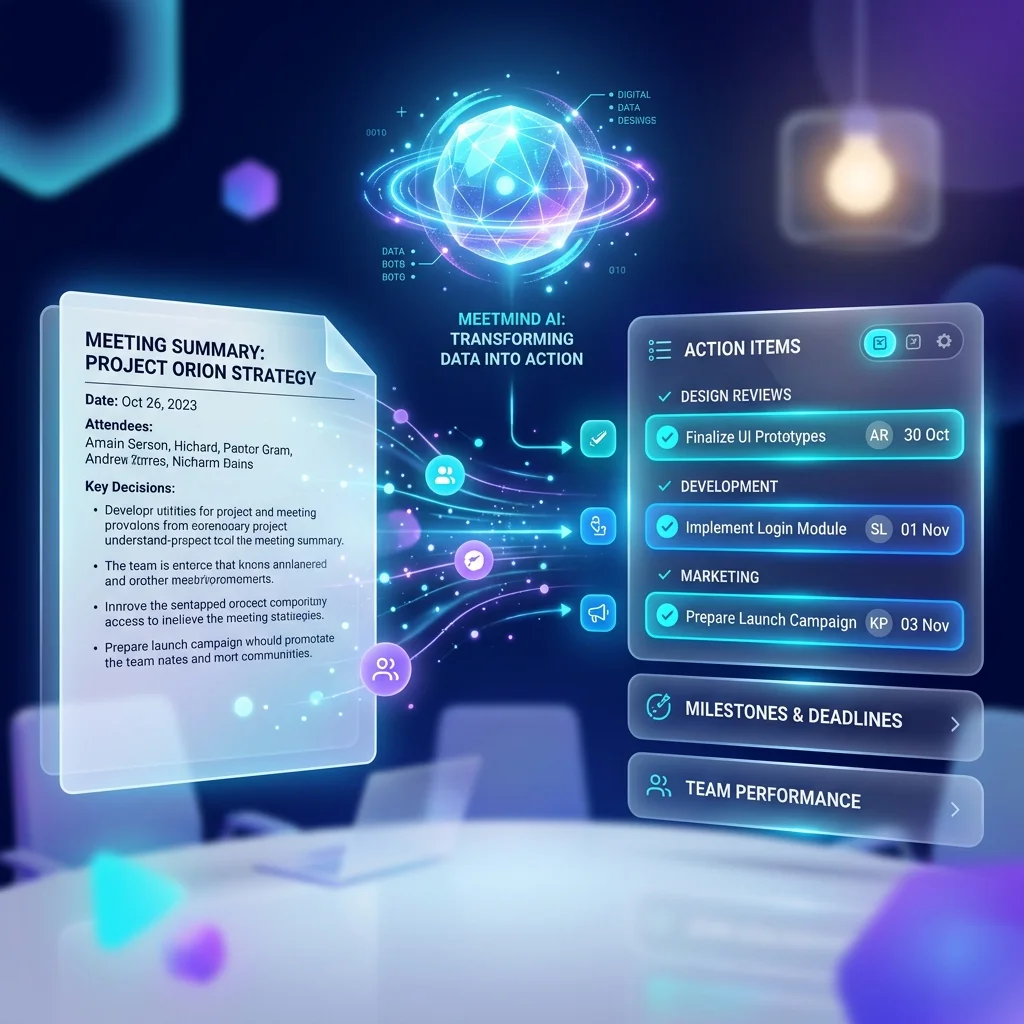
Your processed summary should look clear, actionable, and succinct:
Meeting Summary

Decision
Use Gemini API for the next development phase

Action Items
✓ John - Provision API keys
✓ Sarah - Draft integration spec
✓ Mike - Update frontend repository

Deadline
Friday, EOD
2. Distribute Summaries Promptly
The value of a meeting summary degrades rapidly over time. If a summary is sent out three days after a meeting, attendees will have likely forgotten the context, and momentum will be lost.
Strike While the Iron is Hot
Share the summary and action items immediately—ideally within an hour—after the meeting concludes. With AI summaries generated by MeetMind AI, you can often automate this distribution step entirely, sending AI meeting notes directly to where your team actually works (Slack, Microsoft Teams, or email).
Why speed matters: Teams often revisit the same topics because meeting outcomes aren't visible after discussions end. Sharing summaries immediately helps preserve context while conversations are still fresh, making it easier to clarify misunderstandings before they become project blockers.
3. Who Benefits Most from AI Meeting Summaries?
AI summaries are especially valuable for fast-paced environments where context sharing is critical:
- Remote teams
- Hybrid organizations
- Engineering stand-ups
- Sales discovery calls
- Customer success meetings
- Product planning
- Leadership meetings
4. The Ideal AI Meeting Workflow
Instead of just treating AI notes as an afterthought, successful teams treat them as part of an end-to-end meeting workflow. Here is what a robust process looks like:
Meeting Ends
        ↓
MeetMind AI Generates Transcript
        ↓
Review Summary
        ↓
Approve Changes
        ↓
Extract Action Items
        ↓
Sync to Jira/Asana
        ↓
Share in Slack/Teams
        ↓
Archive in Notion/Confluence
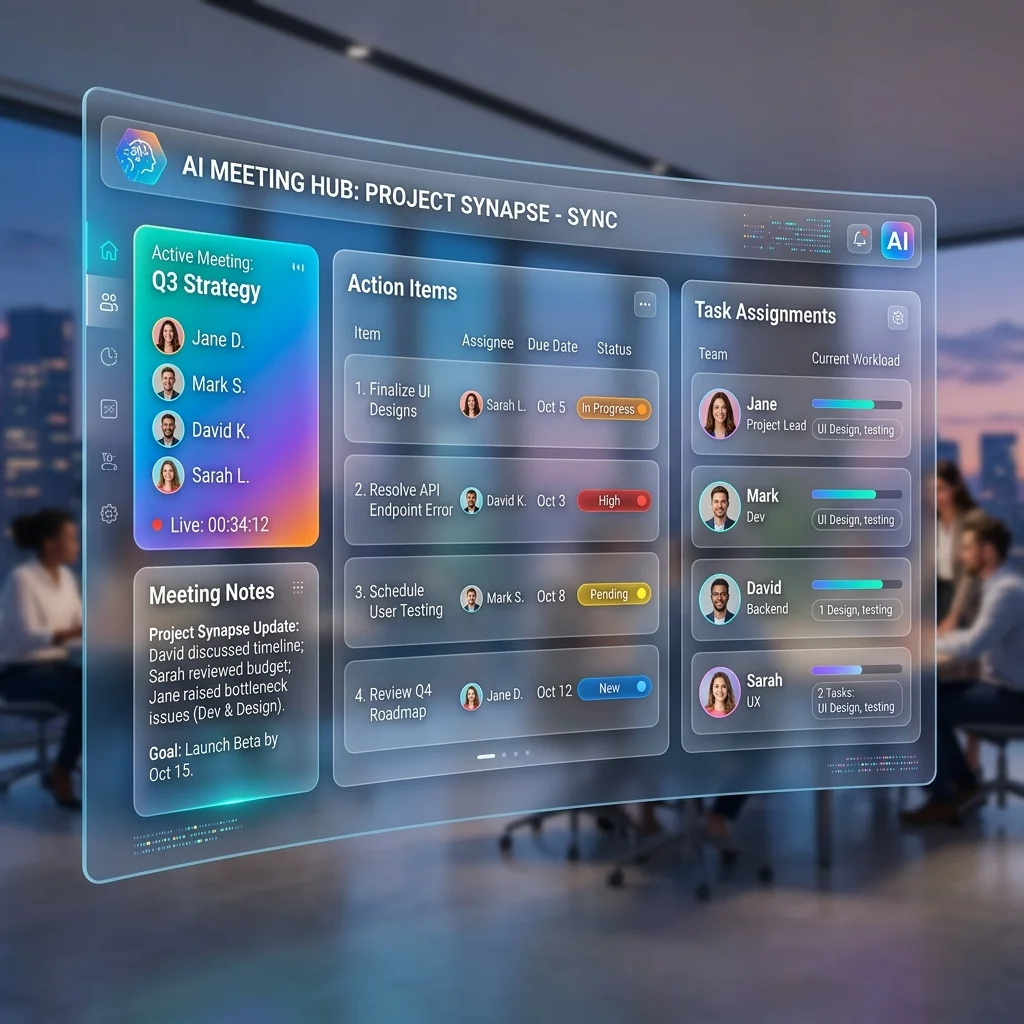
By connecting MeetMind AI's action item extraction directly to your project management tools, tasks like "John will finalize the Q3 budget by Friday" instantly become tracked tickets with concrete due dates.
✅ Best Practice Always assign one owner per action item.
5. Comparing the Impact
If you're still on the fence about refining your meeting documentation process, consider the stark difference between manual notes and a streamlined AI process:
| Traditional Process | AI-Powered Process |
|---|---|
| Manual note taking | Automatic transcription |
| Action items forgotten | Tasks extracted automatically |
| Difficult to search | Searchable meeting archive |
| Hours spent documenting | Minutes to review |
| Scattered meeting history | Centralized knowledge base |
When meetings are transcribed and summarized effectively, they become a searchable database of institutional knowledge. You can rely on MeetMind AI's searchable meeting archive to onboard new employees or revisit past decisions instantly.
Frequently Asked Questions (FAQ)
Should I edit AI meeting summaries?
Yes. While highly accurate, editing ensures specific acronyms are correct and adds vital human context to the raw summary.
How accurate are AI summaries?
Top-tier AI meeting assistants utilize advanced neural networks that offer exceptional accuracy, provided the audio quality of the meeting is clear.
How quickly should summaries be shared?
Ideally, within 15 to 60 minutes after the meeting concludes to ensure the discussion remains fresh and actionable.
Can AI summaries replace meeting minutes?
Yes, for the vast majority of internal syncs. However, formal board meetings may still require human-curated meeting minutes alongside the AI transcript for legal compliance.
Where should summaries be stored?
Store them in a centralized, searchable repository like Notion, Confluence, or directly within your MeetMind AI workspace so the entire team can access them asynchronously.
Are AI summaries secure?
Top-tier enterprise tools, such as MeetMind AI, process data using secure APIs that are designed to keep customer meeting data private and are not used to train public AI models.
Can AI summarize Zoom meetings?
Yes. AI assistants can join your Zoom, Google Meet, and Microsoft Teams calls to record and automatically summarize them in real time.
Can AI identify speakers?
Absolutely. Modern transcription tools utilize speaker diarization technology to separate and label different voices, ensuring you know exactly who said what.
Which meetings benefit the most?
Status updates, client discovery calls, internal strategy sessions, and engineering standups tend to see the highest ROI from automated AI summaries, freeing the team from manual documentation.
Improve Every Meeting
Meeting summaries create the most value when they're reviewed, shared promptly, and connected to your team's workflow.
Whether you're running daily stand-ups, client calls, or strategic planning sessions, following these best practices helps turn conversations into searchable knowledge and actionable tasks.
If you're looking for an AI meeting assistant that combines transcription, AI summaries, and action-item extraction in one workflow, MeetMind AI is designed to help teams spend less time documenting meetings and more time acting on them.
Start using MeetMind AI today and turn every meeting into searchable knowledge, actionable tasks, and faster team alignment.
Related Reading
Ready to eliminate manual meeting notes?
Secure your meeting data while generating accurate AI summaries in minutes.
- AI Meeting Notes & Summaries
- Automated Action Item Tracking
- Search Across Every Meeting